> For the complete documentation index, see [llms.txt](https://docs.akto.io/llms.txt). Markdown versions of documentation pages are available by appending `.md` to page URLs; this page is available as [Markdown](https://docs.akto.io/api-protection/how-to/view-threat-activity-breakdown.md).
# View Threat Activity Breakdown
## Overview
Use *Threat Activity Breakdown* to investigate API threats detected by Akto. You can move from high-level monitoring to detailed drilldowns, apply filters, review complete request–response data, and take targeted remediation actions.
## **Access the Threat Activity View**
{% stepper %}
{% step %}
Log in to your Akto account.
{% endstep %}
{% step %}
Head to **API Security**.
{% endstep %}
{% step %}
From the side navigation bar and select **API Threat Detection**.
{% endstep %}
{% step %}
Click on **Threat Activity**.
{% endstep %}
{% step %}
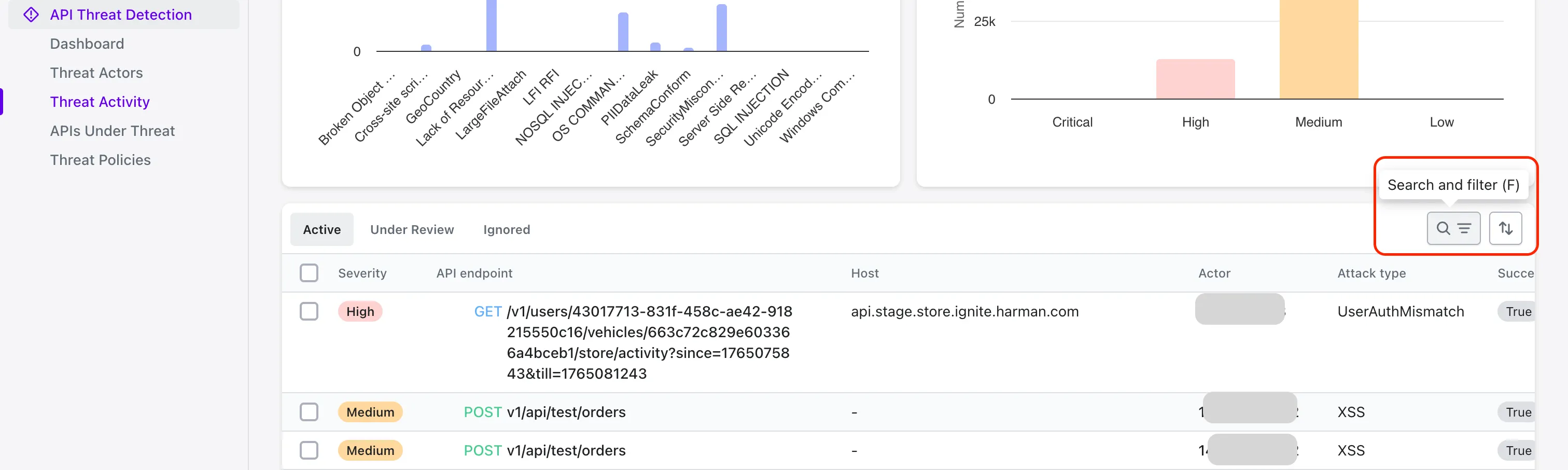
Review activities under **Active**, **Under Review**, and **Ignored**.
{% endstep %}
{% step %}
Select an activity to open its drilldown view.
{% endstep %}
{% endstepper %}
{% hint style="success" %}
### Refine Threats Using Filters
Use the search and filter option in the upper-right corner of the activity list to refine the displayed results.
You can filter by:
* **Actor**
* **URL**
* **Host**
* **Type** (Rule-Based / Anomaly)
* **Latest Attack Subcategory**
* **Successful Exploit**
{% endhint %}
## Explore the Detailed View
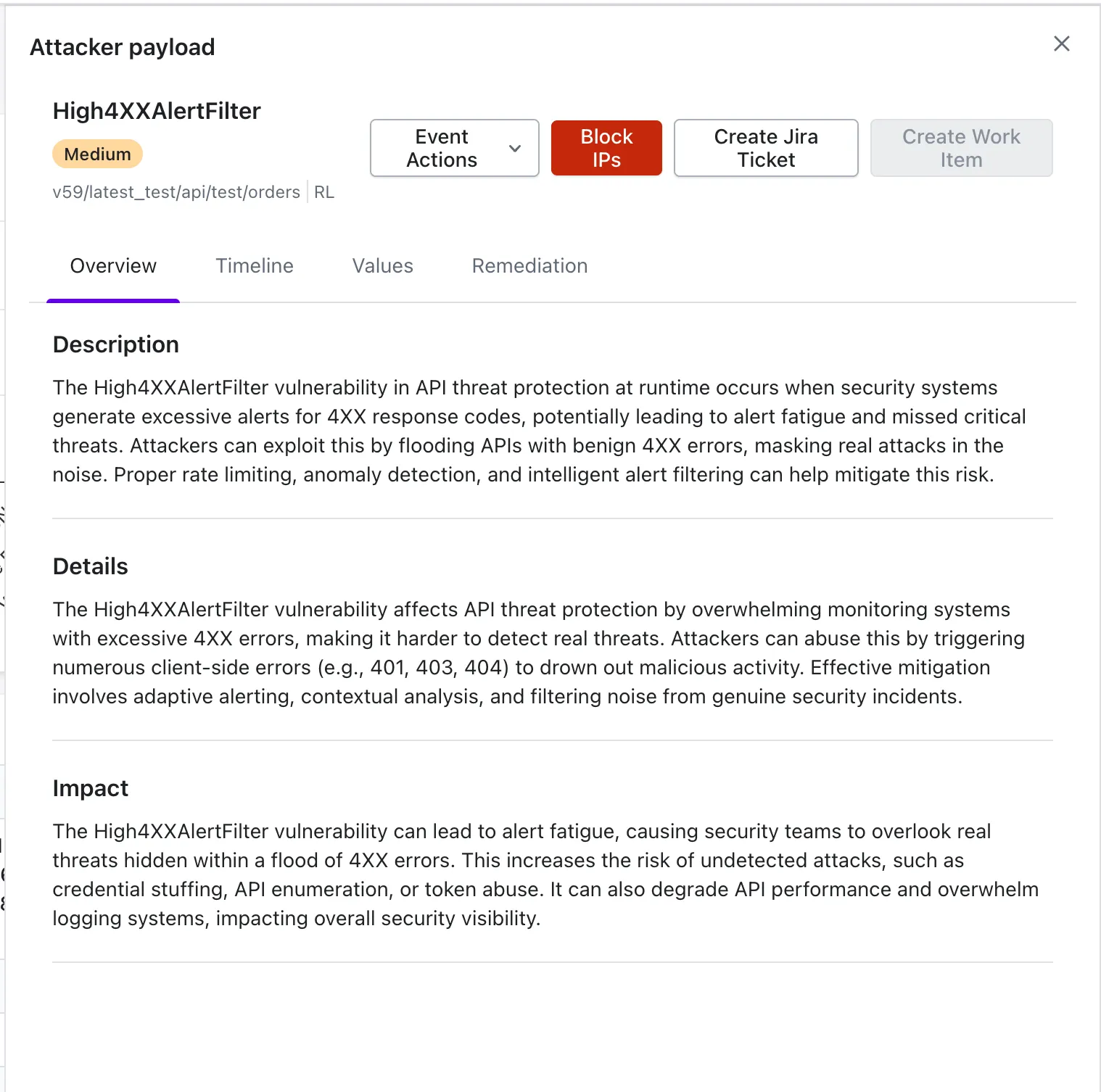
The drilldown view presents all relevant information for a selected threat activity, including severity, impacted API endpoint, and detected attack category.
The view contains four tabs that structure the investigation flow:
{% tabs %}
{% tab title="Overview" %}
Presents the **description**, **details**, and **impact** of the activity, giving you a clear understanding of the threat.
{% endtab %}
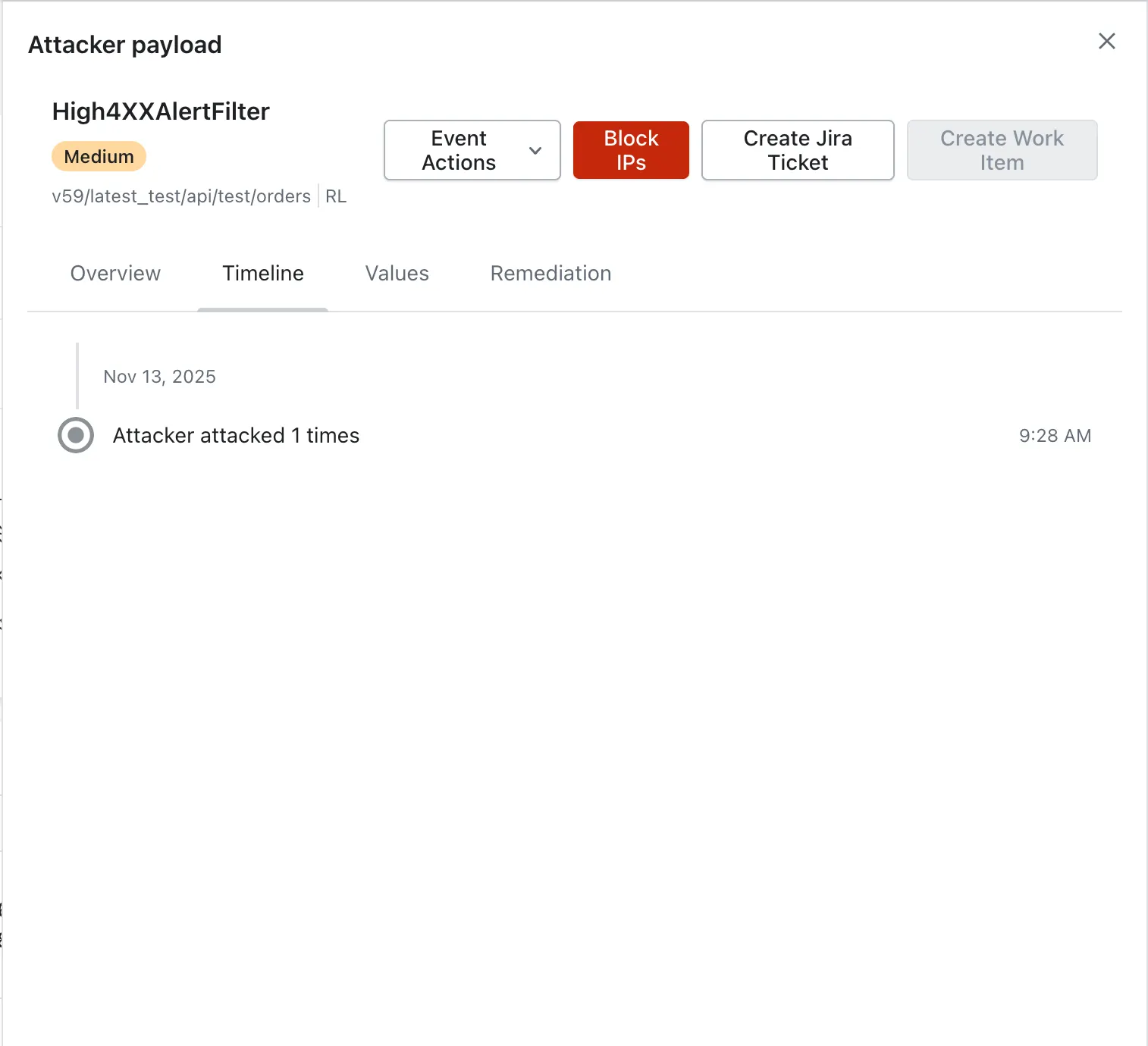
{% tab title="Timeline" %}
Displays a visual timeline that helps you identify patterns, timing, and frequency of the attempts.
{% endtab %}
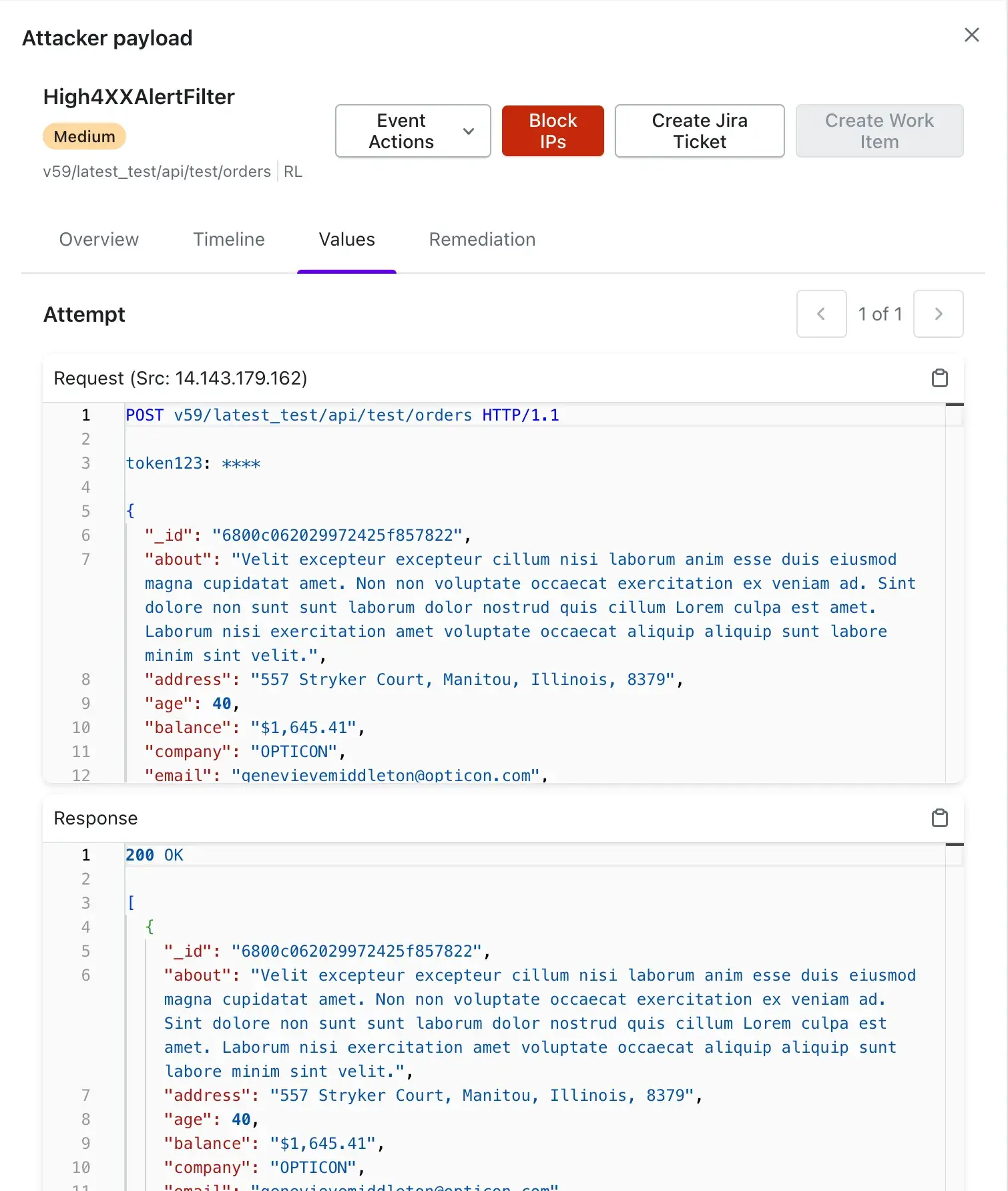
{% tab title="Values" %}
Shows the **attempted request** and its **response**.
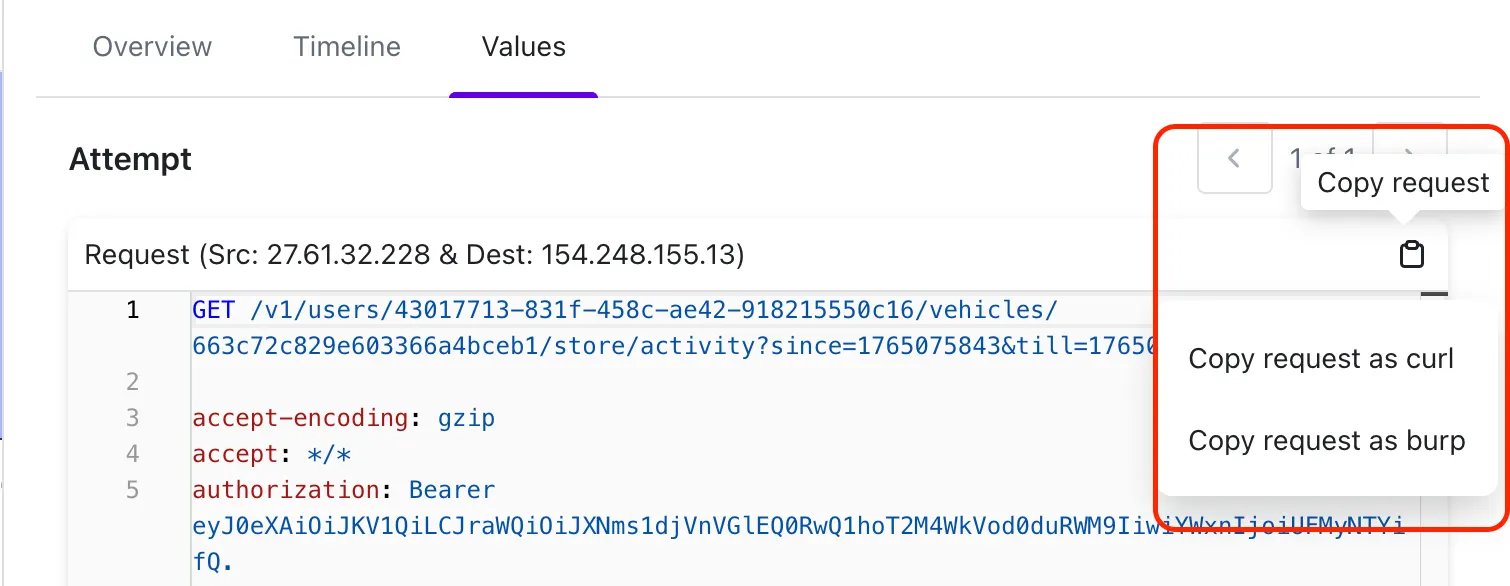
{% hint style="success" %}
You can now copy the request in two formats:
* Curl
* Burp
{% endhint %}
{% endtab %}
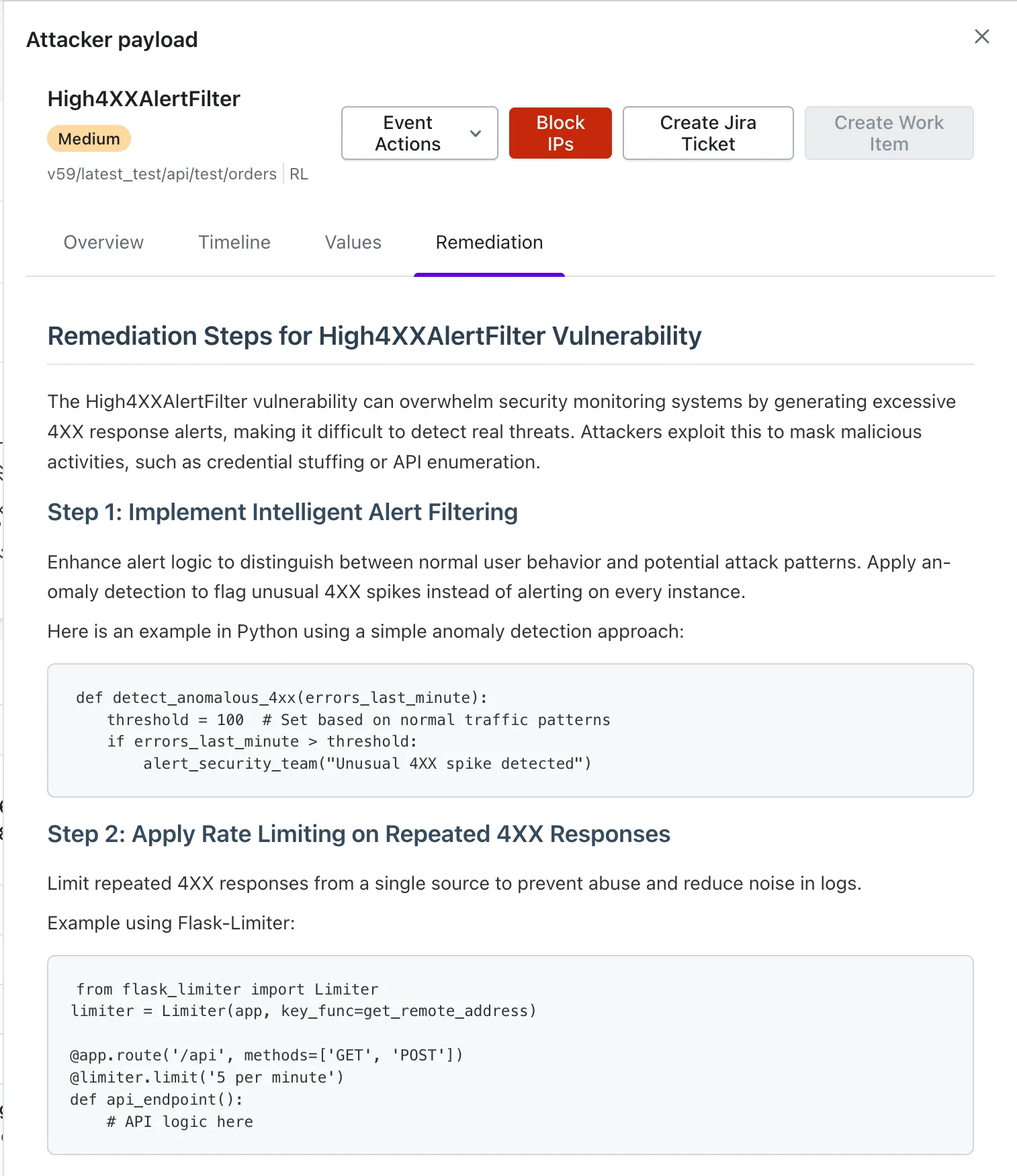
{% tab title="Remediation" %}
Offers actionable steps you can follow to resolve the activity and reduce repeated exposure.
{% endtab %}
{% endtabs %}
### **Update the Status**
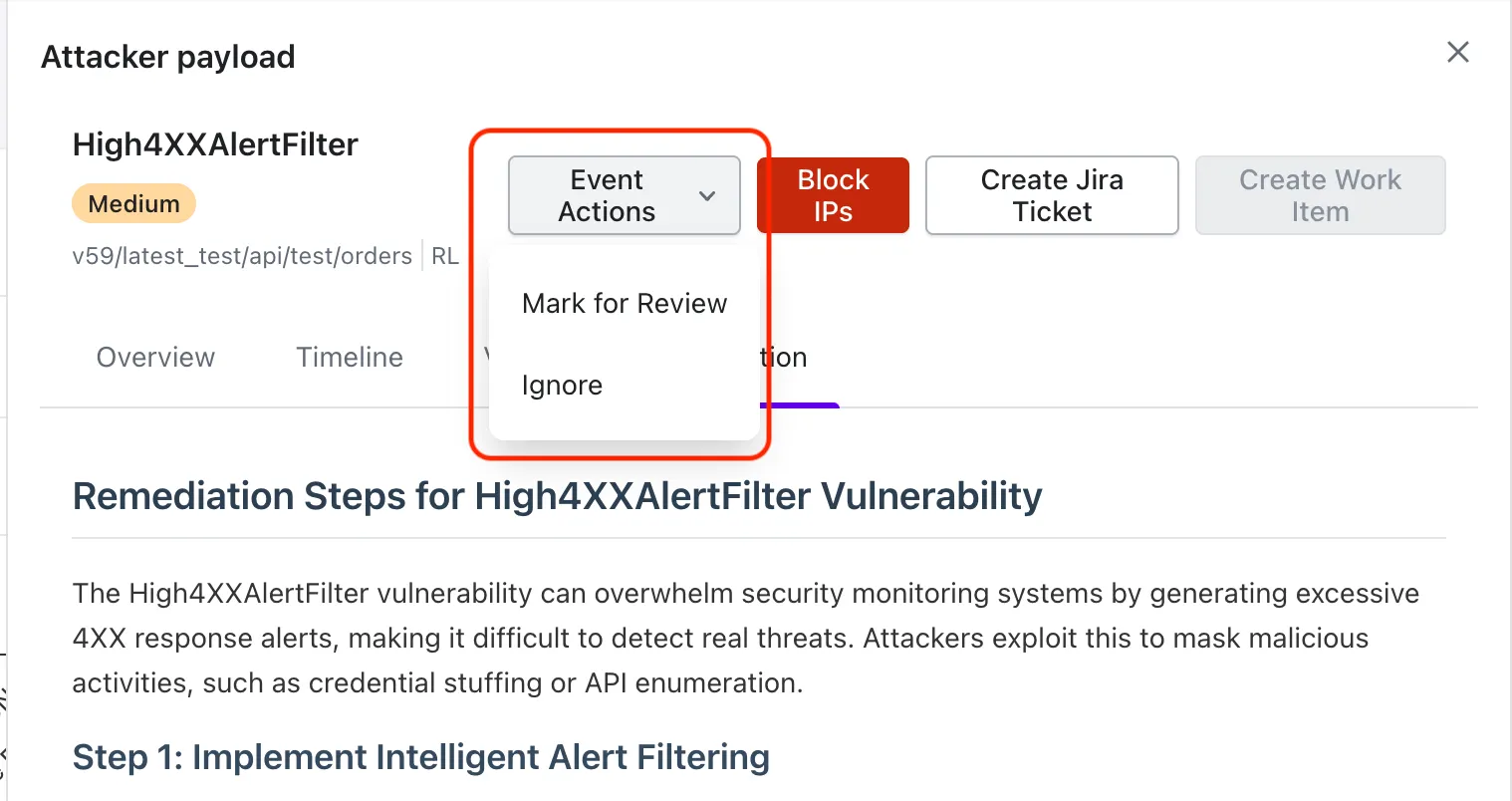
Use **Event Actions** option to update the status of an activity:
* **Mark for Review** – Move the activity into the review workflow.
* **Ignore** – Remove the activity from the active threat list.
{% hint style="warning" %}
Once ignored, Akto will **not flag the same actor and API endpoint again** based on the threat policy that originally detected it.
{% endhint %}
### Block the Traffic From the Source IP
Use **Block IP** button to immediately stop further activity from the malicious source.
For more details, continue to the [/pages/IqctODOMM3jJMeol8OPw#id-1.-block-an-ip-from-threat-actors](https://docs.akto.io/api-protection/how-to/pages/IqctODOMM3jJMeol8OPw#id-1.-block-an-ip-from-threat-actors "mention") learn more.
### Create Internal Workflow Item
You can create a **Jira ticket** or a **Work Item** directly from the threat activity view to support internal tracking, ticketing, and coordinated remediation.
To learn more about creating and configuring these items, head to the [Create Internal Workflow Item](/api-protection/how-to/create-internal-workflow-item.md)**.**
 You can filter by:
* **Actor**
* **URL**
* **Host**
* **Type** (Rule-Based / Anomaly)
* **Latest Attack Subcategory**
* **Successful Exploit**
{% endhint %}
## Explore the Detailed View
The drilldown view presents all relevant information for a selected threat activity, including severity, impacted API endpoint, and detected attack category.
The view contains four tabs that structure the investigation flow:
{% tabs %}
{% tab title="Overview" %}
Presents the **description**, **details**, and **impact** of the activity, giving you a clear understanding of the threat.
You can filter by:
* **Actor**
* **URL**
* **Host**
* **Type** (Rule-Based / Anomaly)
* **Latest Attack Subcategory**
* **Successful Exploit**
{% endhint %}
## Explore the Detailed View
The drilldown view presents all relevant information for a selected threat activity, including severity, impacted API endpoint, and detected attack category.
The view contains four tabs that structure the investigation flow:
{% tabs %}
{% tab title="Overview" %}
Presents the **description**, **details**, and **impact** of the activity, giving you a clear understanding of the threat.