> For the complete documentation index, see [llms.txt](https://docs.akto.io/llms.txt). Markdown versions of documentation pages are available by appending `.md` to page URLs; this page is available as [Markdown](https://docs.akto.io/api-protection/how-to/manage-threat-policies.md).
# Manage Threat Policies
## **Overview**
Threat policies are customizable filters that help you monitor API traffic in real time and detect harmful activity. These policies protect your applications by identifying threats such as Cross-Site Scripting (XSS), SQL Injection, and other attacks covered in the OWASP Core Rule Set.
You can also configure policies to enforce geofencing rules or block traffic from specific IP CIDR ranges. Each policy is defined in YAML, giving you full control over how Akto evaluates and flags suspicious behavior.
## Accessing Threat Policies
To open your threat policies:
1. Sign in to your Akto account.
2. Head to **API Security**.
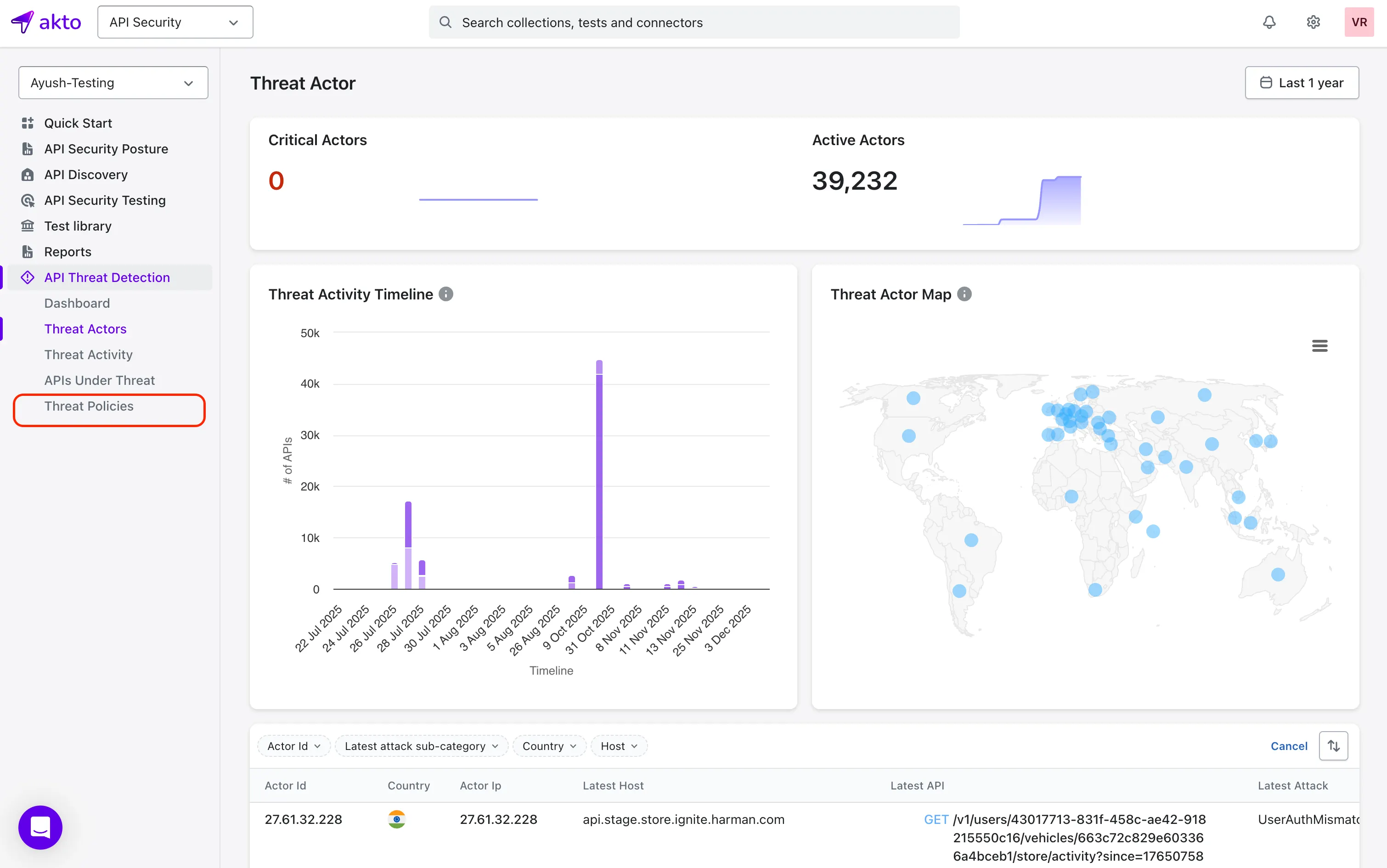
3. In the left sidebar, select **API Threat Detection**.
4. Click **Threat Policies** to view and manage all your policies.
## **Create a New Policy**
{% stepper %}
{% step %}
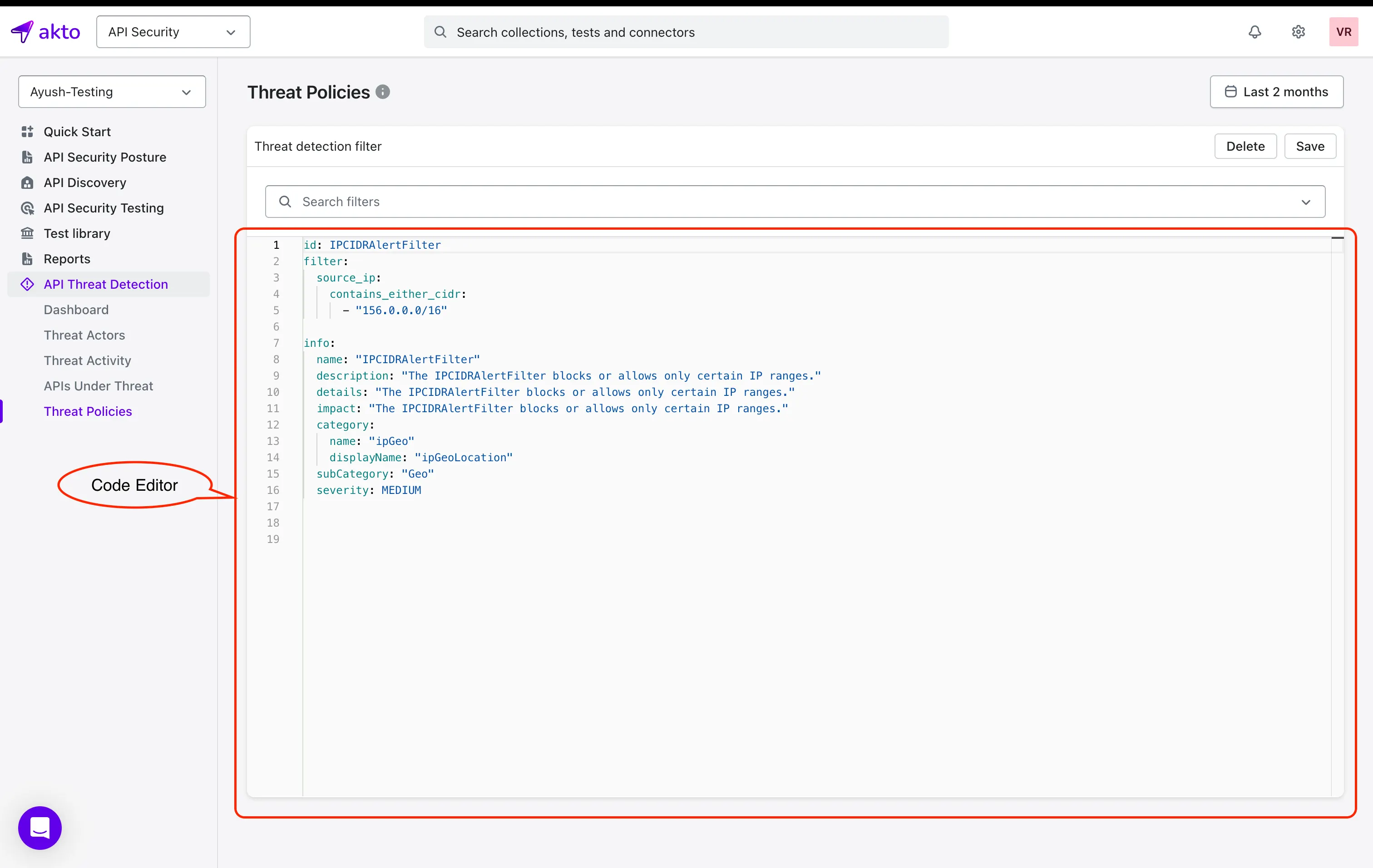
Open the **Threat Policies** page.
{% endstep %}
{% step %}
In the code editor area, start by entering or modifying the configuration according to the behavior you want Akto to detect.
{% endstep %}
{% step %}
Set a unique value for the **id** key.
{% hint style="info" %}
### Important
The **id** key defines the policy template name.
* When you create a policy, the id value becomes its official name.
* When you modify a policy, changing the **id** value will create a **new** policy instead of updating the existing one.
{% endhint %}
{% endstep %}
{% step %}
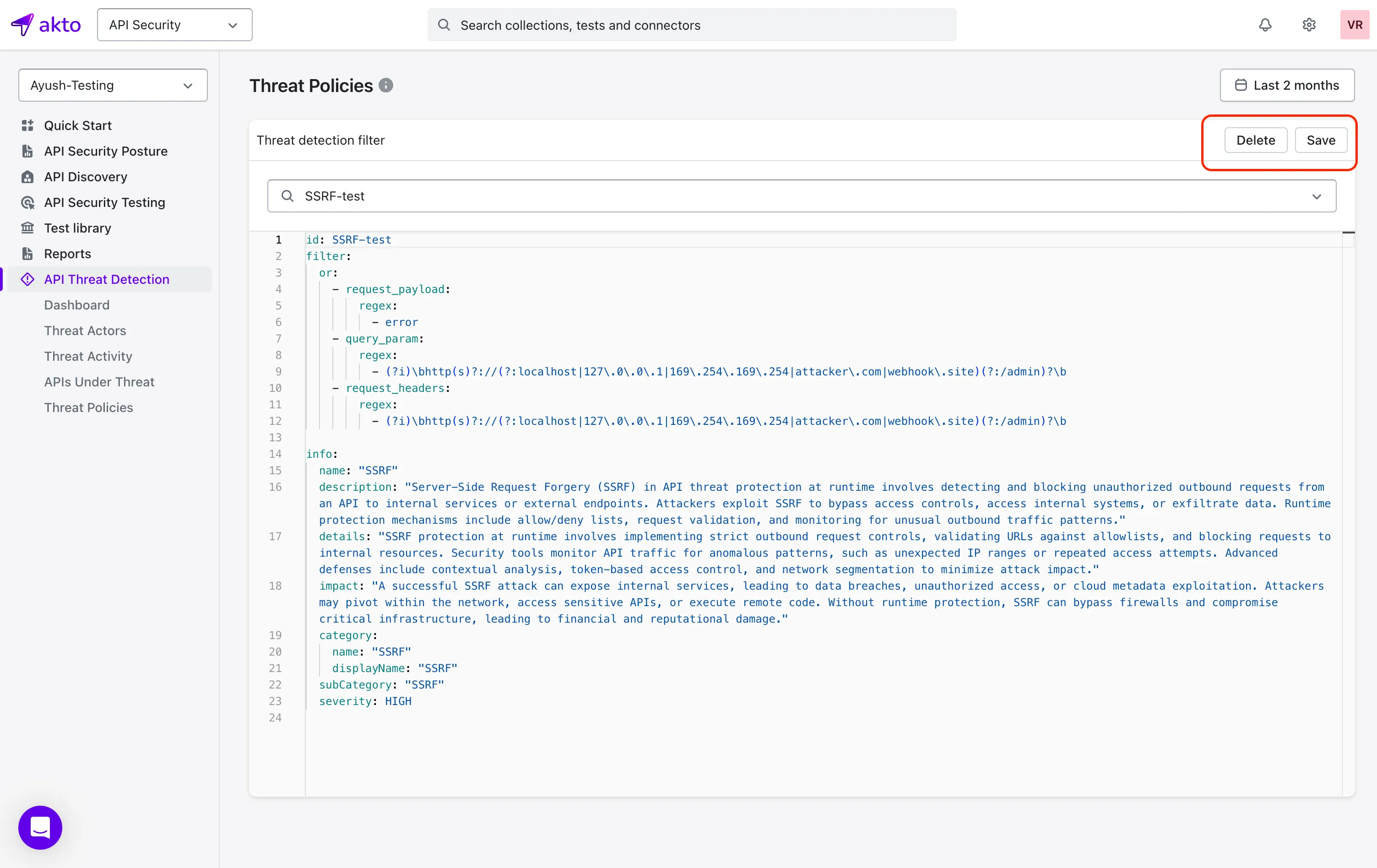
Click **Save**. Akto will create a new policy template using the id you provided.
{% endstep %}
{% endstepper %}
## **Modify a Policy**
{% stepper %}
{% step %}
Use the search filter on the **Threat Policies** page to locate the policy you want to edit.
{% endstep %}
{% step %}
Update the YAML configuration to match your requirements.
{% endstep %}
{% step %}
Click **Save** to apply the changes.
{% hint style="warning" %}
If you change the **id** key, Akto will treat it as a new policy and creates a new template.
{% endhint %}
{% endstep %}
{% endstepper %}
## **Delete a Policy**
{% stepper %}
{% step %}
Use the search filter to find the policy you want to remove.
{% endstep %}
{% step %}
Click **Delete** in the top-right corner.
{% endstep %}
{% step %}
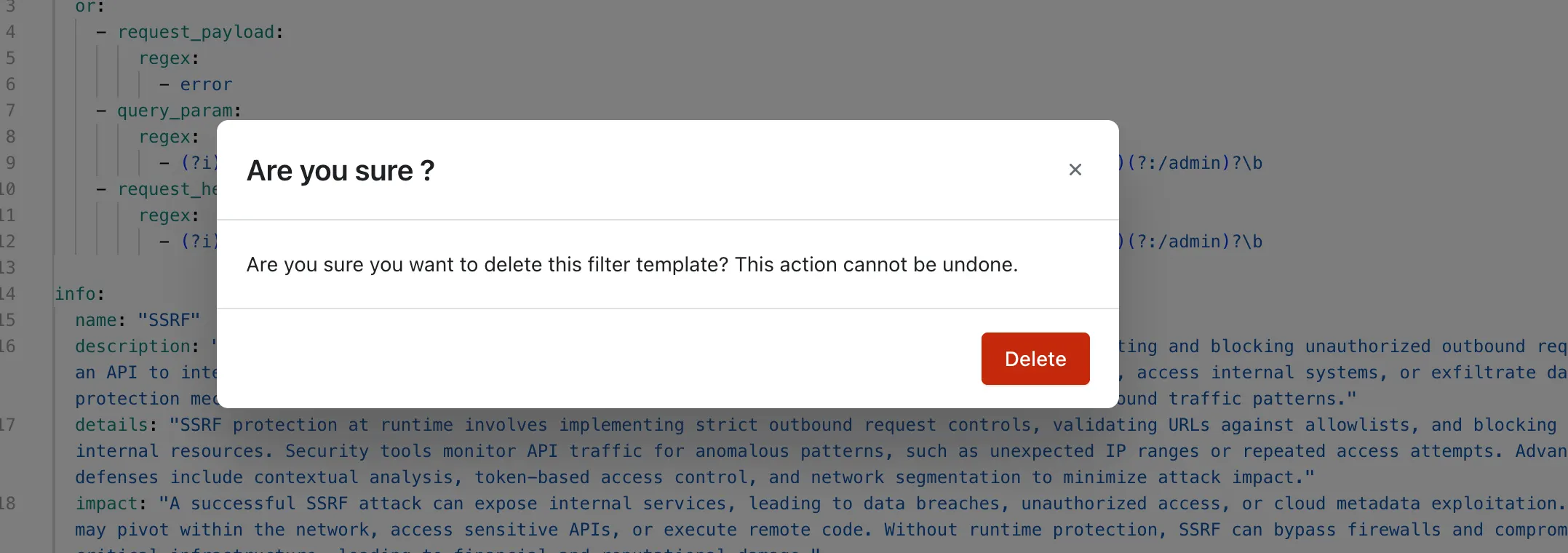
Select **Yes** to confirm the deletion.
{% endstep %}
{% endstepper %}
## **Continue to Threat Activity**
After you configure your threat policies, you can review Akto’s detections in the [**Threat Activity**](/api-protection/how-to/view-threat-activity-breakdown.md) page.