> For the complete documentation index, see [llms.txt](https://docs.akto.io/llms.txt). Markdown versions of documentation pages are available by appending `.md` to page URLs; this page is available as [Markdown](https://docs.akto.io/getting-started/quick-start-with-akto-cloud/akto-direct-connect.md).
# Akto Direct connect
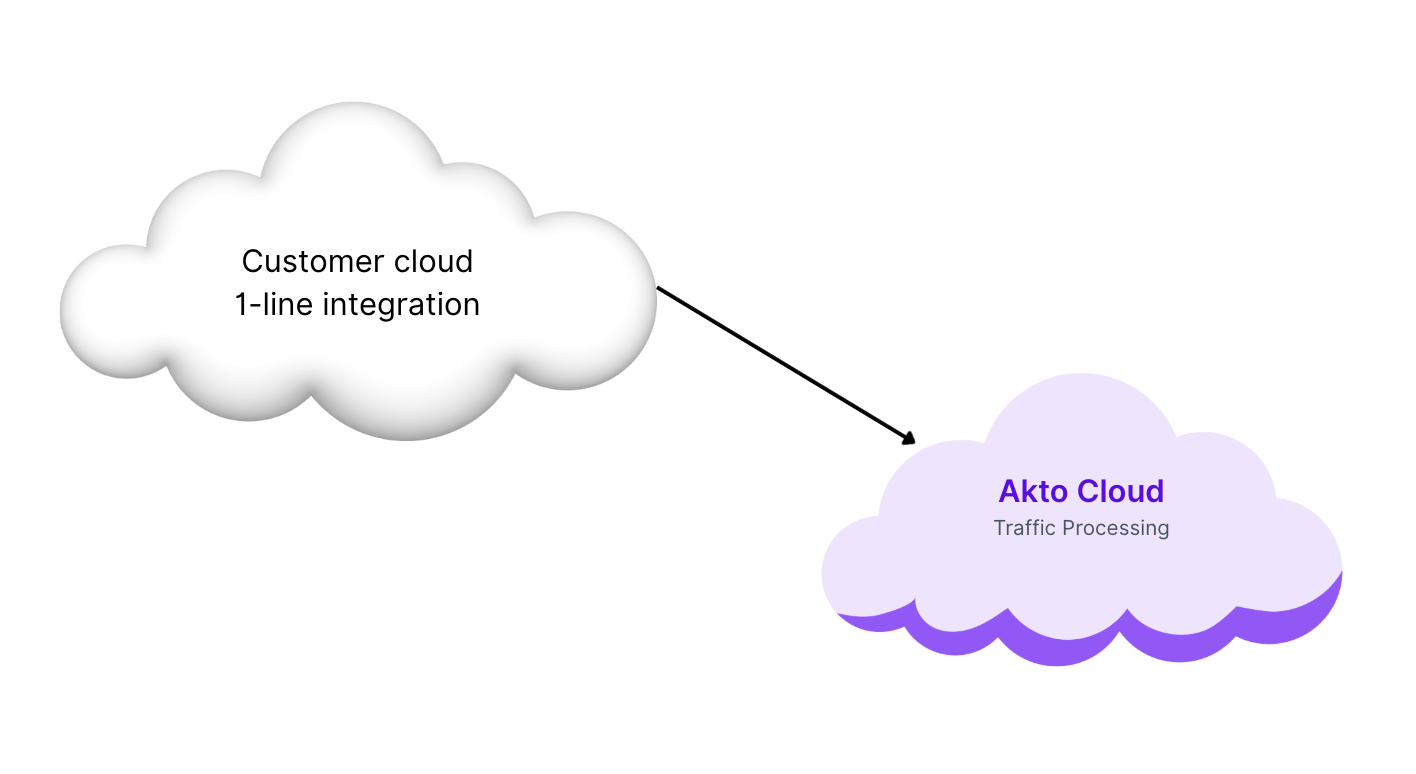
**Akto Direct Connect** lets you start using Akto in seconds with a **simple 1-line integration**—no need to set up or manage any infrastructure. Your traffic is securely streamed from your cloud to **Akto's hosted Traffic Processor**, where it is analyzed in real time.
This fully-managed setup is ideal for teams that want **quick onboarding**, **zero maintenance overhead**, and **fast time-to-value** with API security testing.
### Get Authentication Token
1. Login to Akto dashboard at [app.akto.io](https://app.akto.io)
2. Go to Quick Start > Hybrid Saas > Click on “Connect” button
3. Copy the JWT token/databaseAbstractorToken (marked in red)
#### Run the Traffic Collector
Replace the CLOUD\_PROCESSOR\_AUTHENTICATION\_TOKEN below with the JWT token copied from previous step
```bash
docker run -d \
--name akto-api-security-traffic-collector \
--restart always \
--network host \
--privileged \
--pid=host \
--cap-add SYS_PTRACE \
--cap-add SYS_ADMIN \
--cpus="0.5" \
--memory="512m" \
-v /lib/modules:/lib/modules \
-v /sys/kernel:/sys/kernel \
-v /usr/src:/usr/src \
-v /:/host \
-e AKTO_TRAFFIC_BATCH_TIME_SECS=10 \
-e AKTO_TRAFFIC_BATCH_SIZE=100 \
-e CLOUD_PROCESSOR_MODE=true \
-e CLOUD_PROCESSOR_AUTHENTICATION_TOKEN= \
-e PROBE_ALL_PID=true \
public.ecr.aws/aktosecurity/mirror-api-logging:k8s_ebpf
```
In case you face an issue with the spaces in the command above
```bash
docker run -d --name akto-api-security-traffic-collector --restart always --network host --pid=host --privileged --cap-add SYS_PTRACE --cap-add SYS_ADMIN --cpus="0.5" --memory="512m" -v /lib/modules:/lib/modules -v /sys/kernel:/sys/kernel -v /usr/src:/usr/src -v /:/host -e AKTO_TRAFFIC_BATCH_TIME_SECS=10 -e AKTO_TRAFFIC_BATCH_SIZE=100 -e AKTO_KAFKA_BROKER_MAL= -e CLOUD_PROCESSOR_MODE=true -e CLOUD_PROCESSOR_AUTHENTICATION_TOKEN= -e PROBE_ALL_PID=true public.ecr.aws/aktosecurity/mirror-api-logging:k8s_ebpf
```