> For the complete documentation index, see [llms.txt](https://docs.akto.io/llms.txt). Markdown versions of documentation pages are available by appending `.md` to page URLs; this page is available as [Markdown](https://docs.akto.io/traffic-connector/api-gateways/connect-akto-with-layer7-api-gateway.md).
# Connect Akto with Layer7 API Gateway
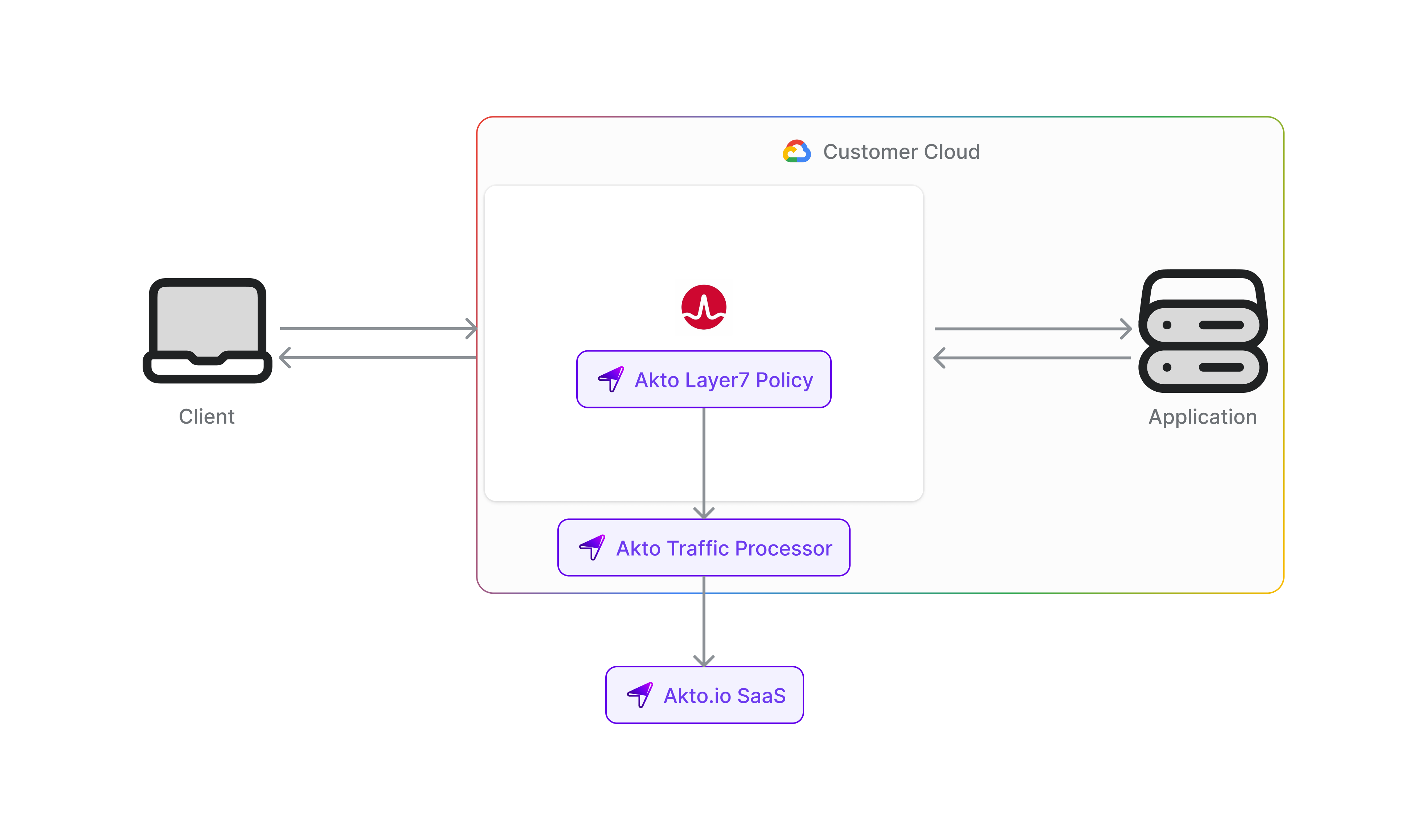
Layer7 API Gateway, part of Broadcom's API management suite, provides enterprise-grade API security and management capabilities for large organizations. Integrating Layer7 with Akto allows automatic discovery and security testing of all APIs managed through your Layer7 gateway, helping maintain robust security standards across your API infrastructure.
To connect Akto with Broadcom Layer7 API Gateway, follow these steps -
1. Set up and configure Akto Traffic Processor. The steps are mentioned [here](https://docs.akto.io/getting-started/traffic-processor/hybrid-saas).
2. Add Layer7 API Gateway connector
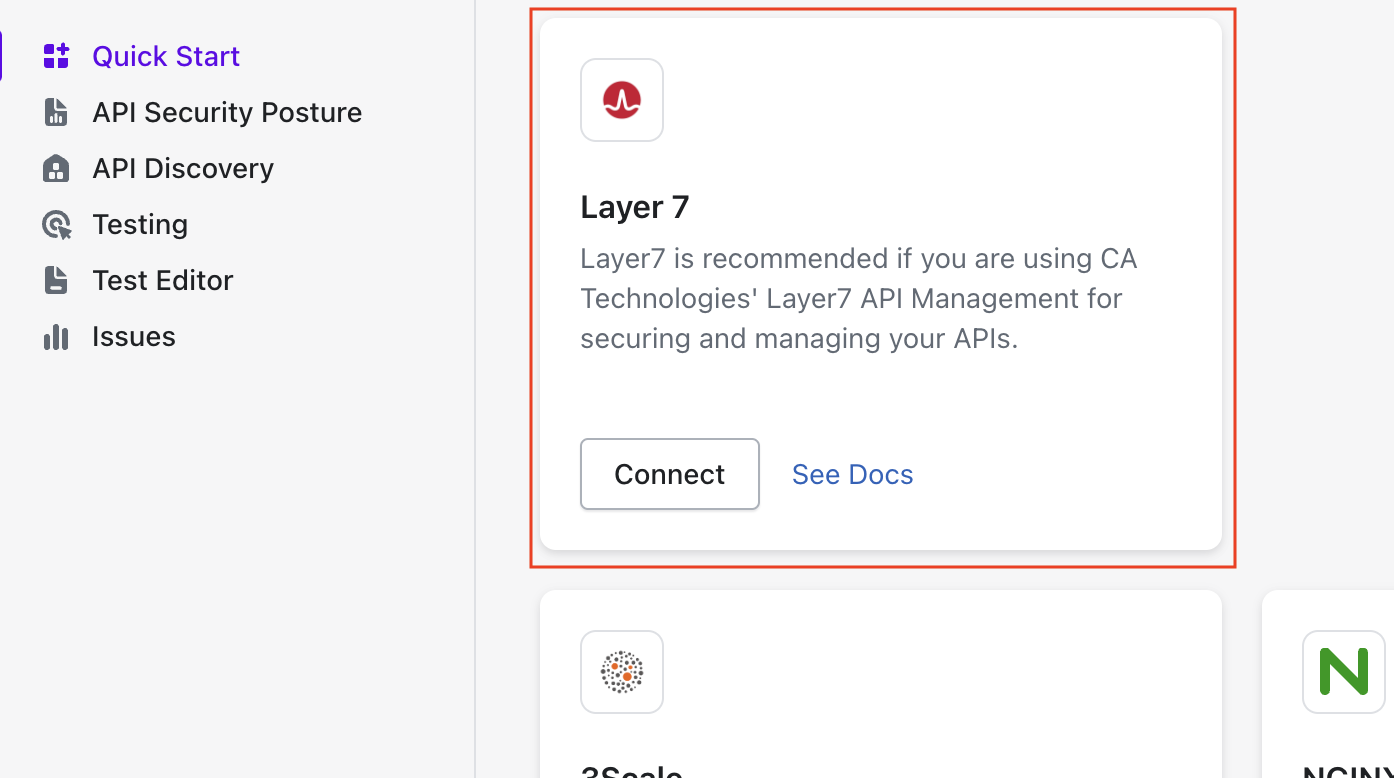
1. Go to **Quick Start** in Akto Dashboard
2. Scroll to **Layer7 API Gateway** block and click on the **Connect** button to get instructions
To enable this premium connector for your account, please reach out to our team at for pricing and setup information.