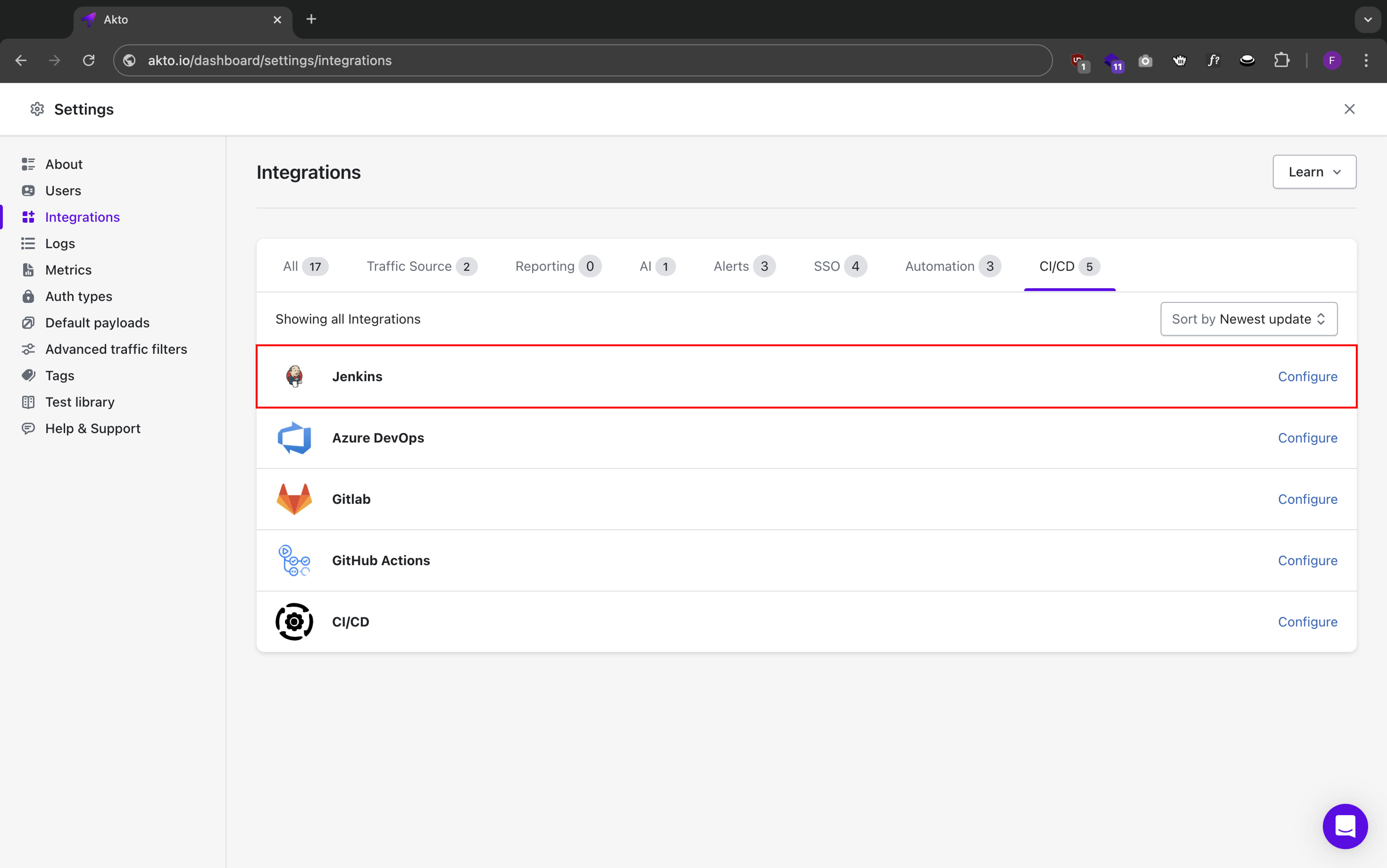
> For the complete documentation index, see [llms.txt](https://docs.akto.io/llms.txt). Markdown versions of documentation pages are available by appending `.md` to page URLs; this page is available as [Markdown](https://docs.akto.io/integrations/ci-cd-integrations/jenkins.md).
# Jenkins
Akto integrates with Jenkins to add automated API security testing to your build pipeline. This integration enables you to:
* Run API security tests during your Jenkins builds
* Automate security testing for each deployment
* View security test results in Jenkins interface
This page shows how to add an Akto security test as a stage in a **new or existing** `Jenkinsfile` — it does not cover setting up a Jenkins pipeline from scratch.
### Prerequisites
* A working Jenkins pipeline (declarative `Jenkinsfile`) that you can add a stage to
* Jenkins agent with Docker available (the Akto scan runs via the `aktosecurity/akto-testing-scan` Docker image)
* [Akto dashboard access](https://app.akto.io/)
* [Akto API credentials](/integrations/ci-cd-integrations/how-to/get-api-credentials.md) (API key and dashboard URL)
* Either a [valid test ID from an existing Akto test](/integrations/ci-cd-integrations/how-to/test-id-from-akto-test.md), **or** the name of an API collection and test suite you want to run (see [Option 2](#option-2-run-a-test-suite-on-an-api-collection) below)
### Step 1: Store the Akto API key as a Jenkins credential
Don't hardcode `AKTO_API_KEY` in the `Jenkinsfile` — store it in Jenkins' credential manager so it's masked in logs and never committed to source control.
1. Go to **Manage Jenkins > Credentials**, pick a scope (e.g. `(global)`)
2. **Add Credentials > Kind: Secret text**
3. Paste your Akto API key as the secret, and set the **ID** to `akto-api-key`
### Step 2: Add the Akto stage to your `Jenkinsfile`
Add a stage that pulls the credential with `withCredentials` and runs the Akto scan container. Pick whichever option matches how you want to trigger the test.
#### Option 1: Run an existing test (`AKTO_TEST_ID`)
Use this when you already have a configured test run in the Akto dashboard and just want CI/CD to re-trigger it (see [how to get the test ID](/integrations/ci-cd-integrations/how-to/test-id-from-akto-test.md)). This adds the stage as its own pipeline step, calling a separate `runAktoTest` function that wraps the `docker run` call:
```groovy
pipeline {
agent any
environment {
IS_COMMIT_TRUNK = 'true'
AKTO_TEST_ID = ''
BLOCK_LEVEL = 'LOW'
}
stages {
stage('Run Akto Security Test') {
when {
environment name: 'IS_COMMIT_TRUNK', value: 'true'
}
steps {
script {
withCredentials([
string(credentialsId: 'akto-api-key', variable: 'AKTO_API_KEY')
]) {
try {
runAktoTest(env.AKTO_TEST_ID, env.BLOCK_LEVEL, 3000)
echo "Akto security test completed successfully."
} catch (Exception e) {
currentBuild.result = 'FAILURE'
error """
Akto security test failed:
- Test ID: ${env.AKTO_TEST_ID}
- Error details: ${e.message}
- Please check the Akto dashboard for more information.
- Ensure API key and Test ID are correct.
"""
}
}
}
}
}
}
}
def runAktoTest(String testId, String blockLevel = '', int waitTime = 3000) {
def dockerOutput = sh(script: """
docker run \
-e AKTO_DASHBOARD_URL='https://app.akto.io' \
-e AKTO_API_KEY='${AKTO_API_KEY}' \
-e AKTO_TEST_ID='${testId}' \
-e WAIT_TIME_FOR_RESULT=${waitTime} \
-e BLOCK_LEVEL='${blockLevel}' \
-e CICD_PLATFORM='Jenkins' \
aktosecurity/akto-testing-scan:latest
""", returnStdout: true).trim()
// Check if the docker output contains failure indication
if (dockerOutput.contains("Block level breached")) {
error """
${dockerOutput}
"""
} else {
echo "Akto security test completed successfully."
}
}
```
`AKTO_API_KEY` is pulled from the Jenkins credential via `withCredentials`; `AKTO_TEST_ID` sits directly in the `environment {}` block since a test ID isn't sensitive. `IS_COMMIT_TRUNK` gates the stage so it only runs on trunk builds; drop the `when` block if you want it to run on every build.
#### Option 2: Run a test suite on an API collection
Use this when you don't want to pre-create a test in the dashboard — instead give Akto an API collection name and a test suite name, and it starts a new run against that collection. Both names must match exactly what's in the dashboard (collections, under **API Discovery > Collections**; test suites, under **API Security Testing > Test suites** — this includes both default/OWASP suites and custom ones you've created).
```groovy
pipeline {
agent any
environment {
IS_COMMIT_TRUNK = 'true'
API_GROUP_NAME = 'juiceshop'
TEST_SUITE_NAME = 'Broken Object Level Authorization'
BLOCK_LEVEL = 'LOW'
}
stages {
stage('Run Akto Security Test') {
when {
environment name: 'IS_COMMIT_TRUNK', value: 'true'
}
steps {
script {
try {
runAktoTest(env.API_GROUP_NAME, env.TEST_SUITE_NAME, env.BLOCK_LEVEL, 3000)
echo "Akto security test completed successfully."
} catch (Exception e) {
currentBuild.result = 'FAILURE'
error """
Akto security test failed:
- API Group: ${env.API_GROUP_NAME}
- Test Suite: ${env.TEST_SUITE_NAME}
- Error details: ${e.message}
- Please check the Akto dashboard for more information.
- Ensure API key, API Group Name, and Test Suite Name are correct.
"""
}
}
}
}
}
}
def runAktoTest(String apiGroupName, String testSuiteName = 'My Test Suite', String blockLevel = '', int waitTime = 3000) {
withCredentials([string(credentialsId: 'akto-api-key', variable: 'AKTO_API_KEY')]) {
def dockerOutput = sh(script: """
docker run \
-e AKTO_DASHBOARD_URL='https://app.akto.io' \
-e AKTO_API_KEY='${AKTO_API_KEY}' \
-e WAIT_TIME_FOR_RESULT=${waitTime} \
-e API_GROUP_NAME='${apiGroupName}' \
-e TEST_SUITE_NAME='${testSuiteName}' \
-e BLOCK_LEVEL='${blockLevel}' \
-e CICD_PLATFORM='Jenkins' \
aktosecurity/akto-testing-scan:latest
""", returnStdout: true).trim()
// Check if the docker output contains failure indication
if (dockerOutput.contains("Block level breached")) {
error """
${dockerOutput}
"""
} else {
echo "Akto security test completed successfully."
}
}
}
```
{% hint style="warning" %}
`AKTO_API_KEY` is only in scope inside the `withCredentials` block. Make sure `runAktoTest` wraps its `docker run` call in `withCredentials([string(credentialsId: 'akto-api-key', variable: 'AKTO_API_KEY')])` as shown — leaving it commented out (a common copy-paste mistake) means `AKTO_API_KEY` resolves to an empty string.
{% endhint %}
### Step 3: Verify the integration
1. Trigger a build of the pipeline
2. Check the Jenkins console output for the `Run Akto Security Test` stage — it should print the Akto scan output
3. If vulnerabilities at or above `BLOCK_LEVEL` are found, the stage fails the build with `Block level breached`
4. Open the Akto dashboard to view full test results
{% hint style="info" %}
Never commit the Akto API key directly in your `Jenkinsfile`. Always read it from a Jenkins credential via `withCredentials`, as shown above.
{% endhint %}
### Available environment variables
The same configuration options available in other CI/CD integrations apply here (passed as `-e` flags to the Docker container):
* `AKTO_DASHBOARD_URL`, `AKTO_API_KEY` — required on every run
* `AKTO_TEST_ID` — reuse an existing test run (Option 1)
* `API_GROUP_NAME`, `TEST_SUITE_NAME` — start a new run against a collection and test suite (Option 2)
* `WAIT_TIME_FOR_RESULT` — seconds to wait for results before the stage completes (set to `0` to fire-and-forget without blocking the build)
* `BLOCK_LEVEL` — fail the build if issues at or above this severity are found (`CRITICAL`, `HIGH`, `MEDIUM`, `LOW`, or `NONE` to never block)
* `CICD_PLATFORM` — set to `Jenkins` so results show the correct origin in the Akto dashboard
For the full list of supported options (scheduling, Slack/MS Teams alerts, Jira auto-ticketing, advanced request overrides), see the [`akto-api-security/run-scan` README](https://github.com/akto-api-security/run-scan#configuration-options).