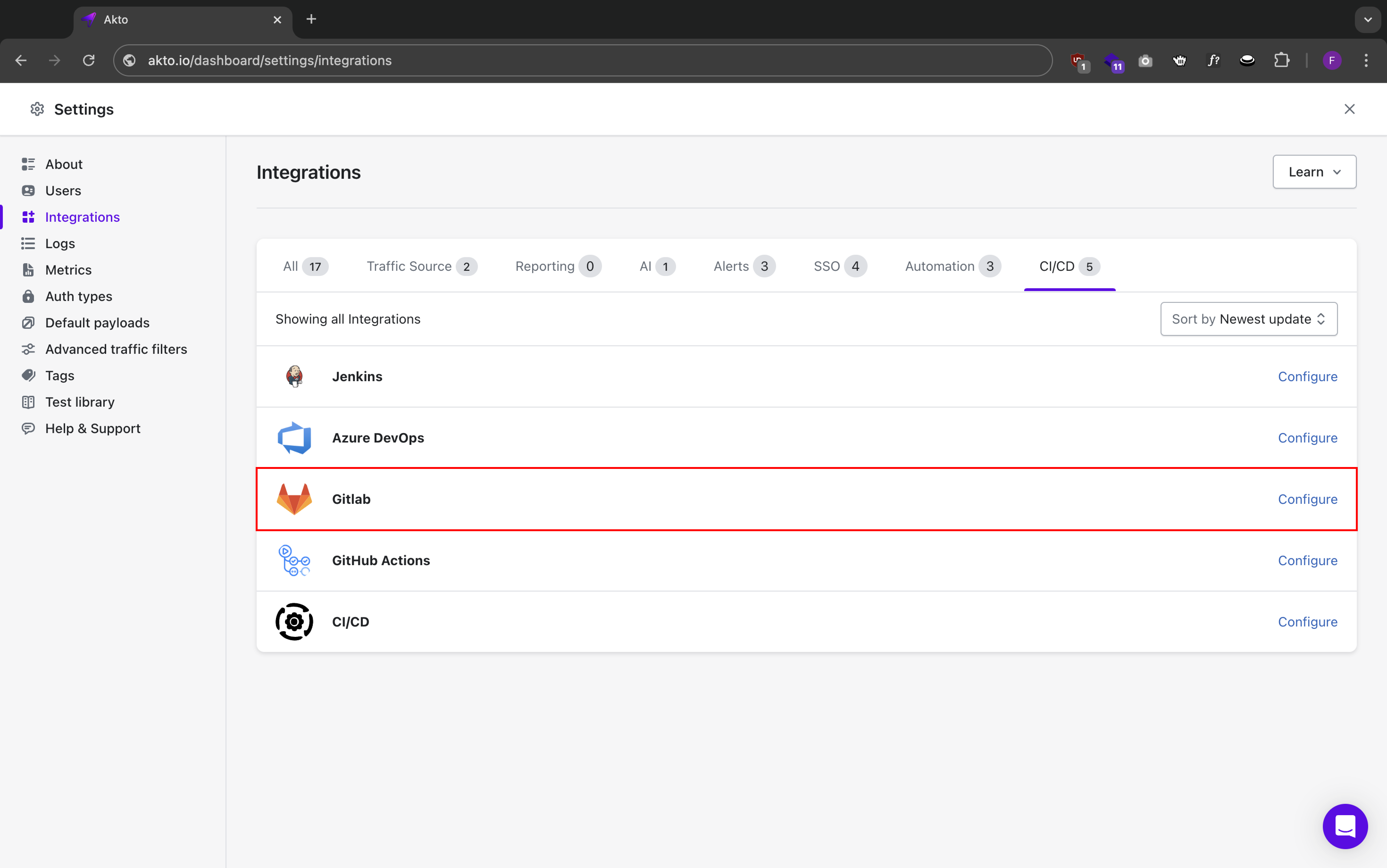
> For the complete documentation index, see [llms.txt](https://docs.akto.io/llms.txt). Markdown versions of documentation pages are available by appending `.md` to page URLs; this page is available as [Markdown](https://docs.akto.io/integrations/ci-cd-integrations/gitlab.md).
# GitLab
Akto integrates with GitLab to add automated API security testing to your CI/CD pipeline. This integration enables you to:
* Run API security tests during your GitLab pipelines
* View security test results directly in merge requests
* Block merges based on security test results
### Prerequisites
* GitLab account with maintainer or owner permissions
* GitLab repository with CI/CD enabled
* Docker runner configured in GitLab
* [Akto dashboard access](https://app.akto.io/)
* [Akto API credentials](/integrations/ci-cd-integrations/how-to/get-api-credentials.md) (API key and dashboard URL)
* [Valid test ID from your Akto test](/integrations/ci-cd-integrations/how-to/test-id-from-akto-test.md)
### Steps to Configure GitLab
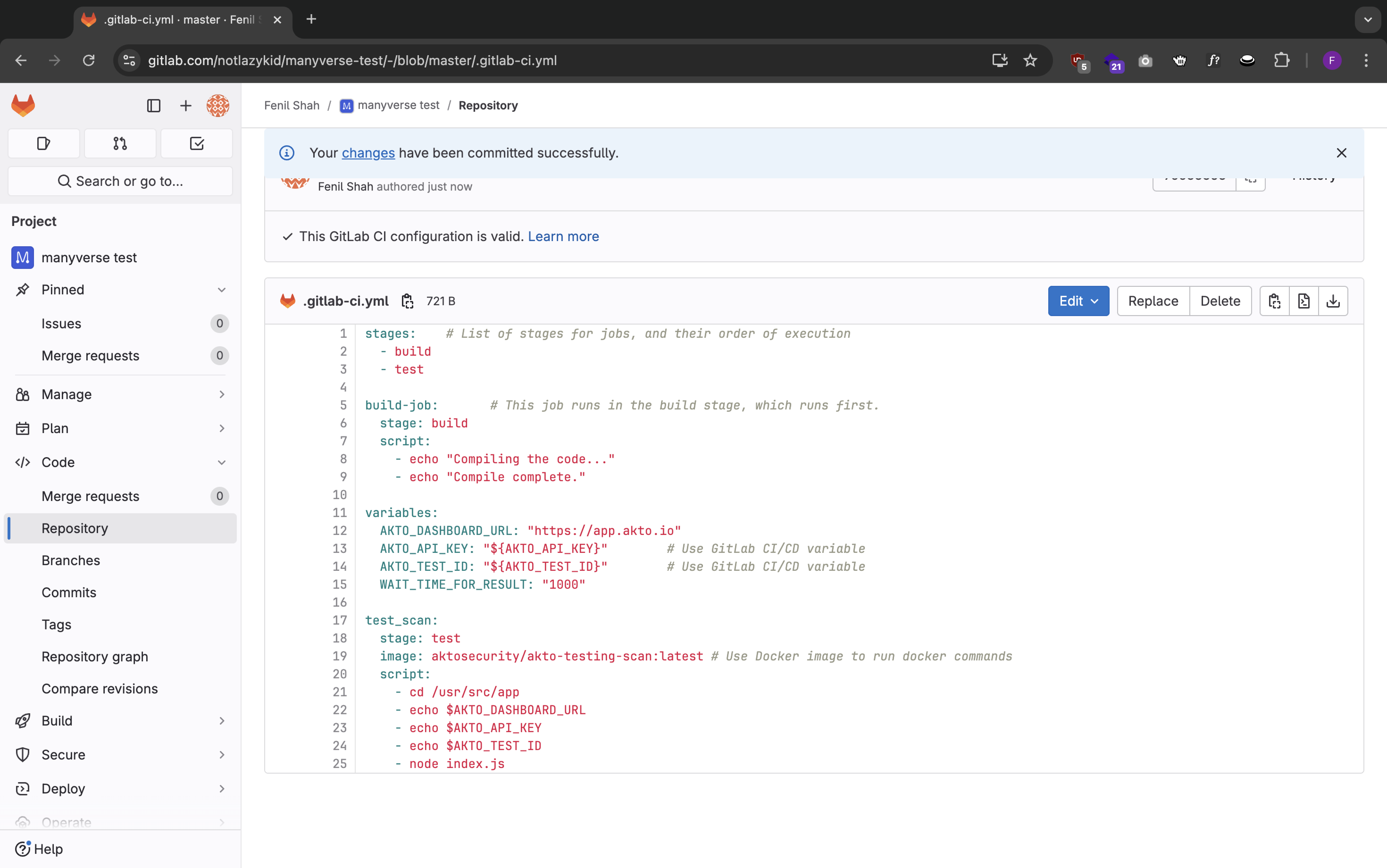
1. Add GitLab CI Configuration
1. Create or update `.gitlab-ci.yml` in your repository root:
```yaml
stages: # List of stages for jobs, and their order of execution
- build
- test
build-job: # This job runs in the build stage, which runs first.
stage: build
script:
- echo "Compiling the code..."
- echo "Compile complete."
variables:
AKTO_DASHBOARD_URL: "https://app.akto.io"
AKTO_API_KEY: "${AKTO_API_KEY}" # Use GitLab CI/CD variable
AKTO_TEST_ID: "${AKTO_TEST_ID}" # Use GitLab CI/CD variable
WAIT_TIME_FOR_RESULT: "1000"
BLOCK_LEVEL: "LOW" # Fail the job at this severity or above
CICD_PLATFORM: "GitLab"
test_scan:
stage: test
image: aktosecurity/akto-testing-scan:latest # Use Docker image to run docker commands
script:
- cd /usr/src/app
- echo $AKTO_DASHBOARD_URL
- echo $AKTO_API_KEY
- echo $AKTO_TEST_ID
- node index.js | tee scan_output.txt
- |
if grep -q "Block level breached" scan_output.txt; then
echo "Akto security test failed: vulnerabilities at or above BLOCK_LEVEL were found."
exit 1
fi
echo "Akto security test completed successfully."
```
`BLOCK_LEVEL` controls when the `test_scan` job fails the pipeline. The scan prints `Block level breached` when it finds issues at or above that severity, and the script above exits with a non-zero status so GitLab marks the job and the pipeline as failed. Allowed values are `CRITICAL`, `HIGH`, `MEDIUM`, and `LOW`. Set `BLOCK_LEVEL` to `NONE` when the job should report results and still succeed.
`BLOCK_LEVEL` is applied only while the job is waiting for results, so keep `WAIT_TIME_FOR_RESULT` greater than `0`. With **Settings > Merge requests > Pipelines must succeed** enabled, a failed `test_scan` job blocks the merge.
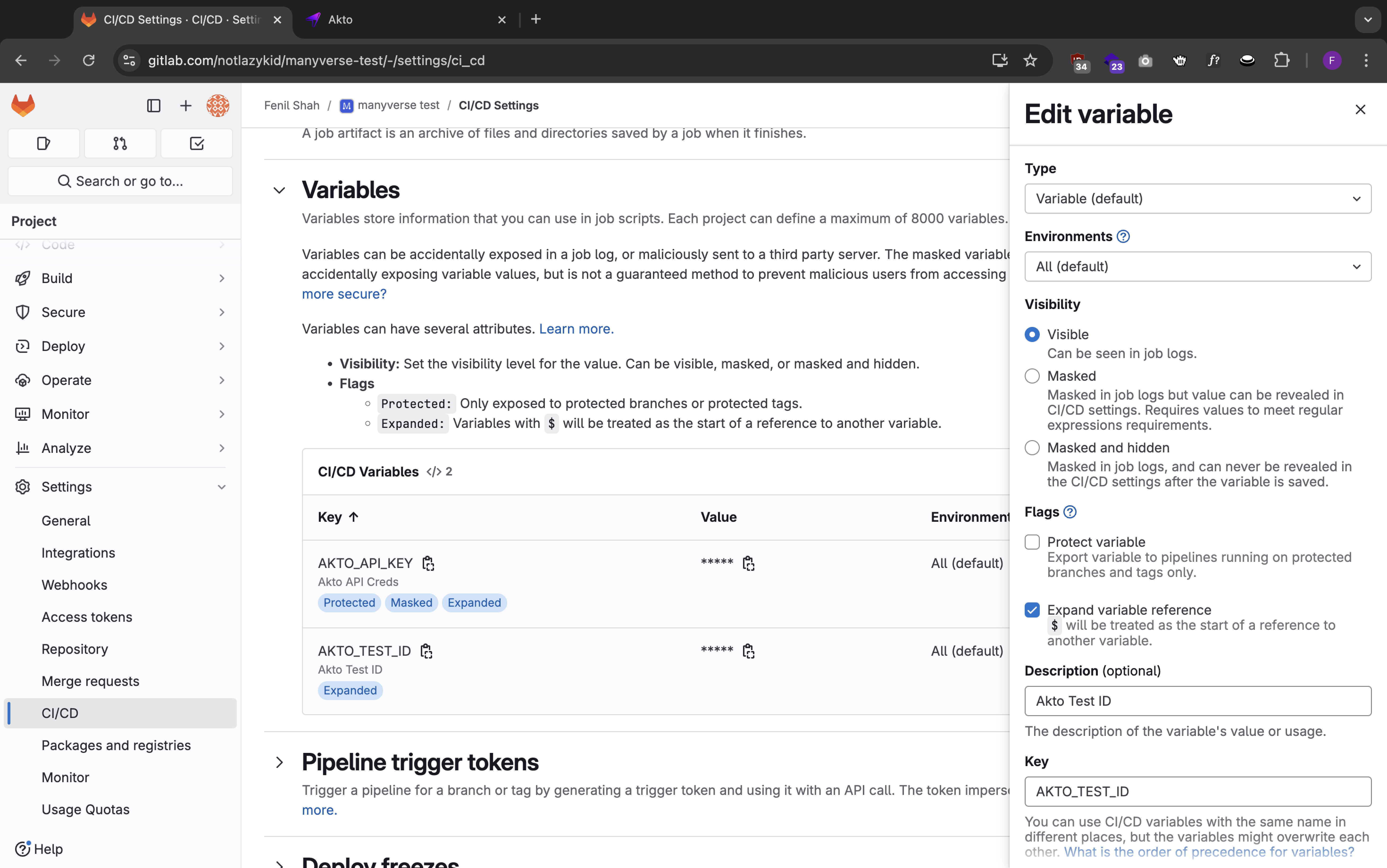
2. Configure GitLab CI/CD Variables
1. Go to Settings > CI/CD > Variables
2. Add these variables:
* `AKTO_API_KEY` (mark as masked and protected)
* `AKTO_TEST_ID`
#### 3. Verify Integration
1. Create a merge request
2. Pipeline will automatically run
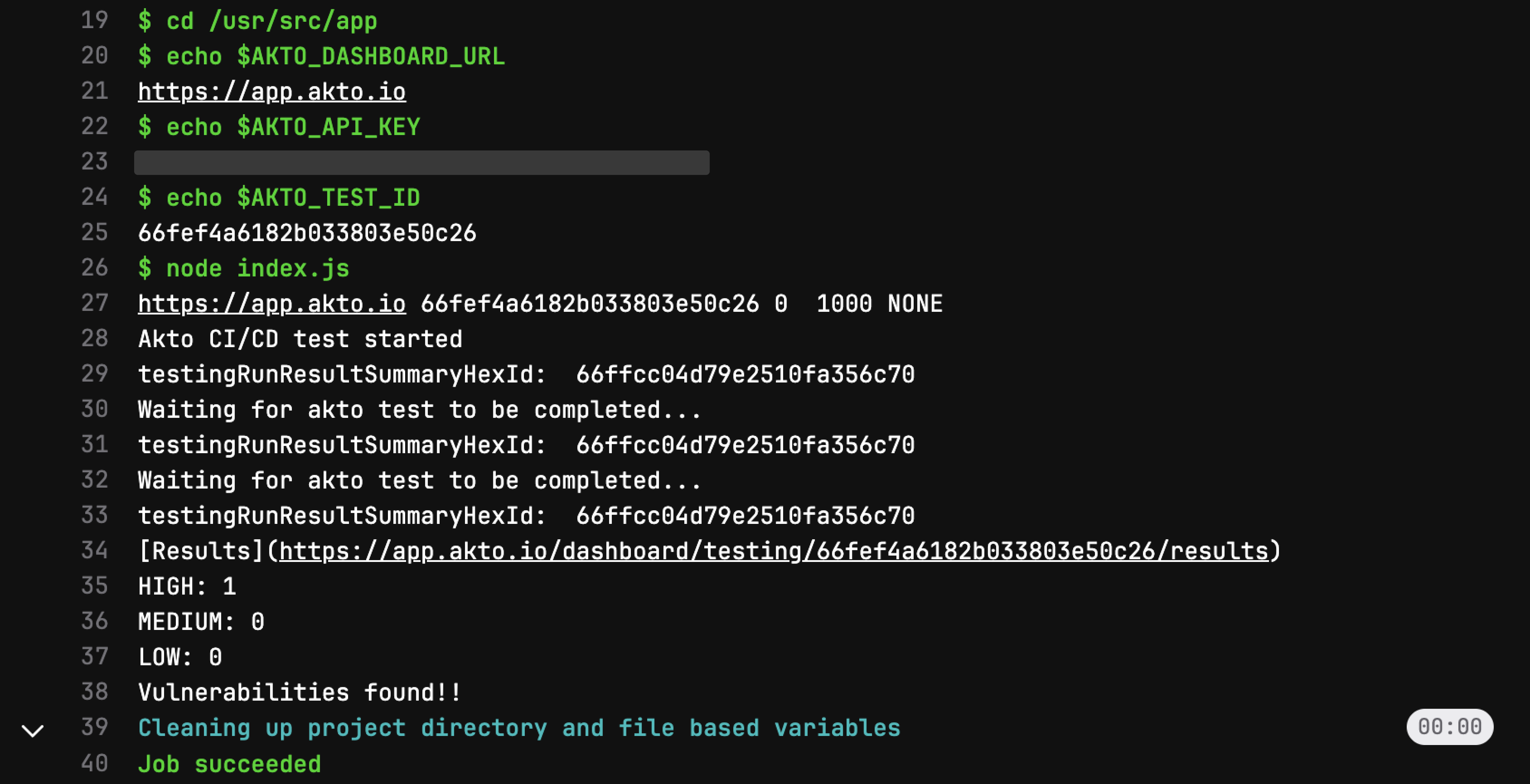
3. Check "CI/CD > Pipelines" for test results
4. If vulnerabilities at or above `BLOCK_LEVEL` are found, the `test_scan` job fails with `Block level breached`
5. Open the Akto dashboard to view full test results
{% hint style="info" %}
Note: Never commit sensitive credentials like API keys directly in your configuration files. Always use GitLab CI/CD variables for sensitive data.
{% endhint %}
### Available environment variables
The same configuration options available in other CI/CD integrations apply here (set them in the `variables` block, or as GitLab CI/CD variables):
* `AKTO_DASHBOARD_URL`, `AKTO_API_KEY` — required on every run
* `AKTO_TEST_ID` — reuse an existing test run
* `WAIT_TIME_FOR_RESULT` — seconds to wait for results before the job completes (set to `0` to start the test and finish the job without waiting)
* `BLOCK_LEVEL` — fail the pipeline if issues at or above this severity are found (`CRITICAL`, `HIGH`, `MEDIUM`, `LOW`, or `NONE` to let the job succeed)
* `CICD_PLATFORM` — set to `GitLab` so results show the correct origin in the Akto dashboard