> For the complete documentation index, see [llms.txt](https://docs.akto.io/llms.txt). Markdown versions of documentation pages are available by appending `.md` to page URLs; this page is available as [Markdown](https://docs.akto.io/integrations/ci-cd-integrations/github-actions/create-github-app.md).
# Create GitHub App
Add Akto app in your GitHub organization
## **Steps to integrate Github App**
* Create a new Github App from developer settings
* Install created Github App to your repositories
* Integrate the Github App to Akto dashboard
### **Create new Github App**
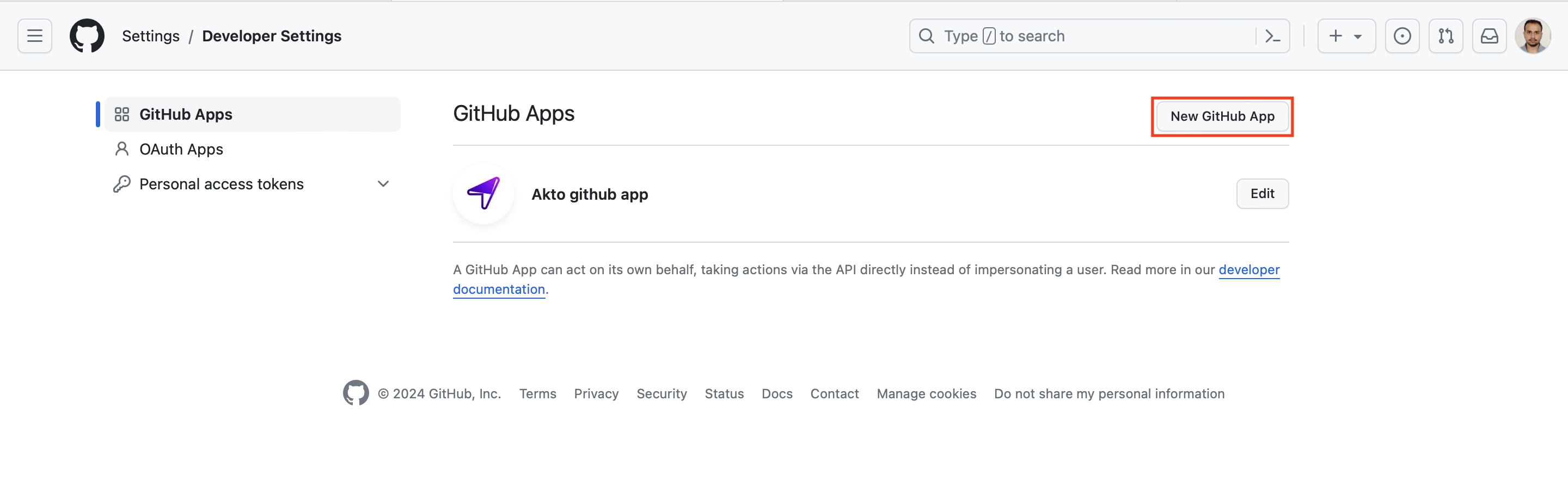
* Go to `Settings > Developer Settings > Github Apps` on your github dashboard and click `New Github App`
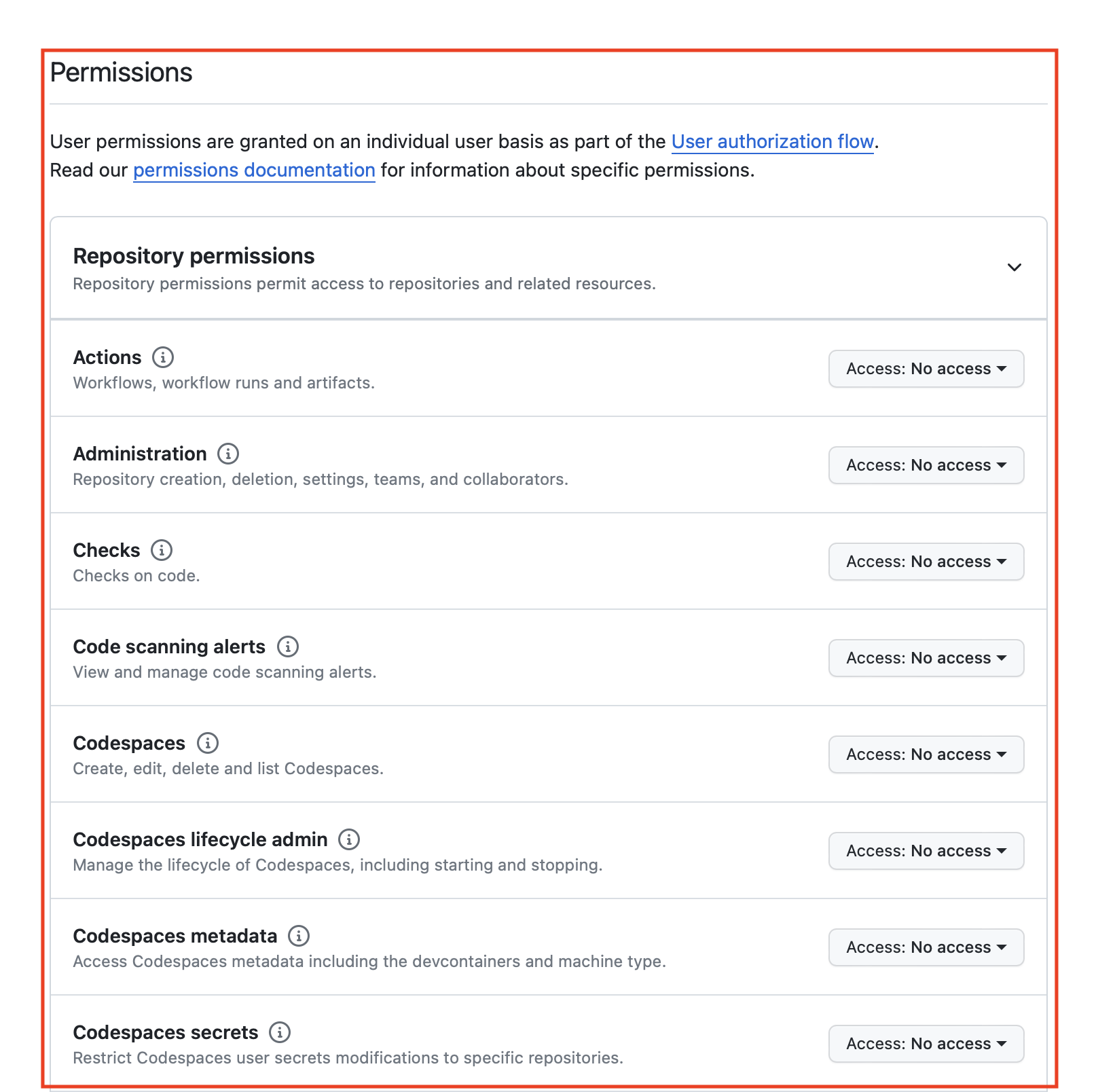
* While creating new Github App, use name as `Akto Github App` with following permissions
* Read permissions : **Administration**, **code**, **member**, **metadata**
* Read and write permissions : **checks**, **issues**, **pull requests**
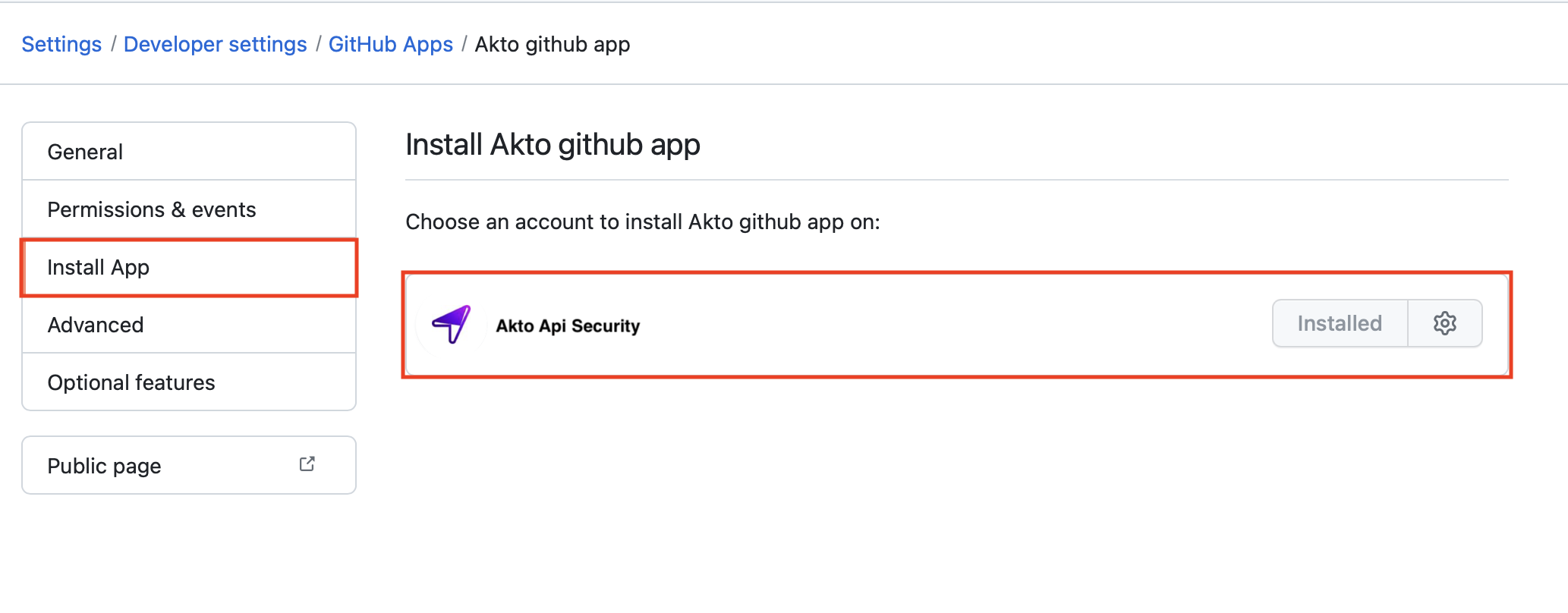
### **Install created Github App**
* After app creation, install github app to your repositories
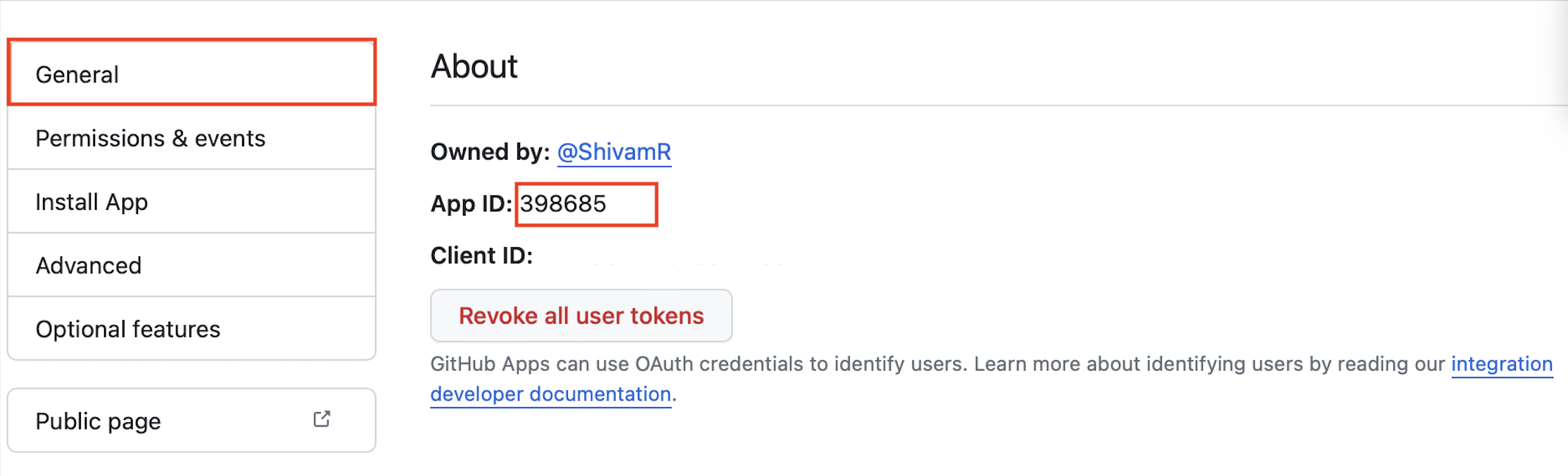
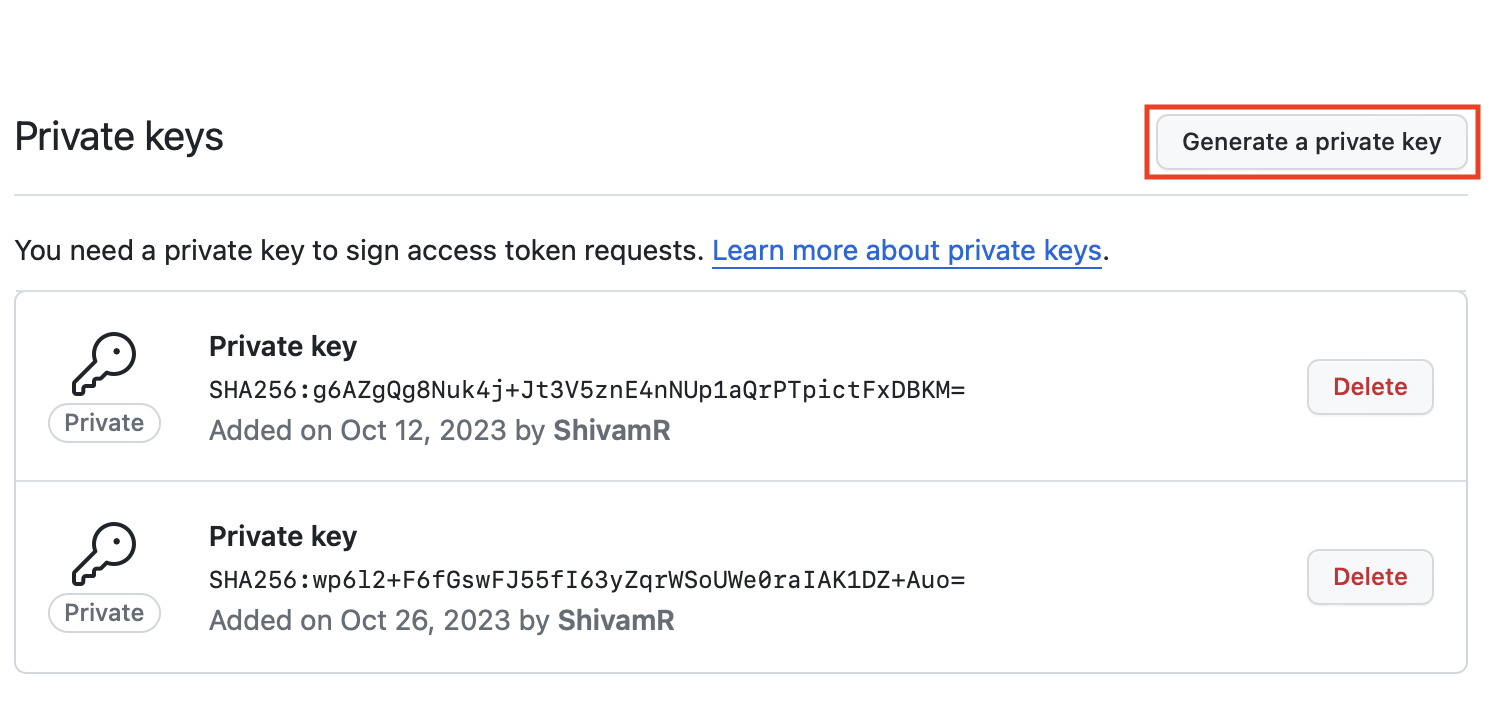
* Once setup is done you will need **Github App Id** and **Private key** as `.pem` file.
* Download private key as `.pem` file
### **Integrate the Github App to Akto dashboard**
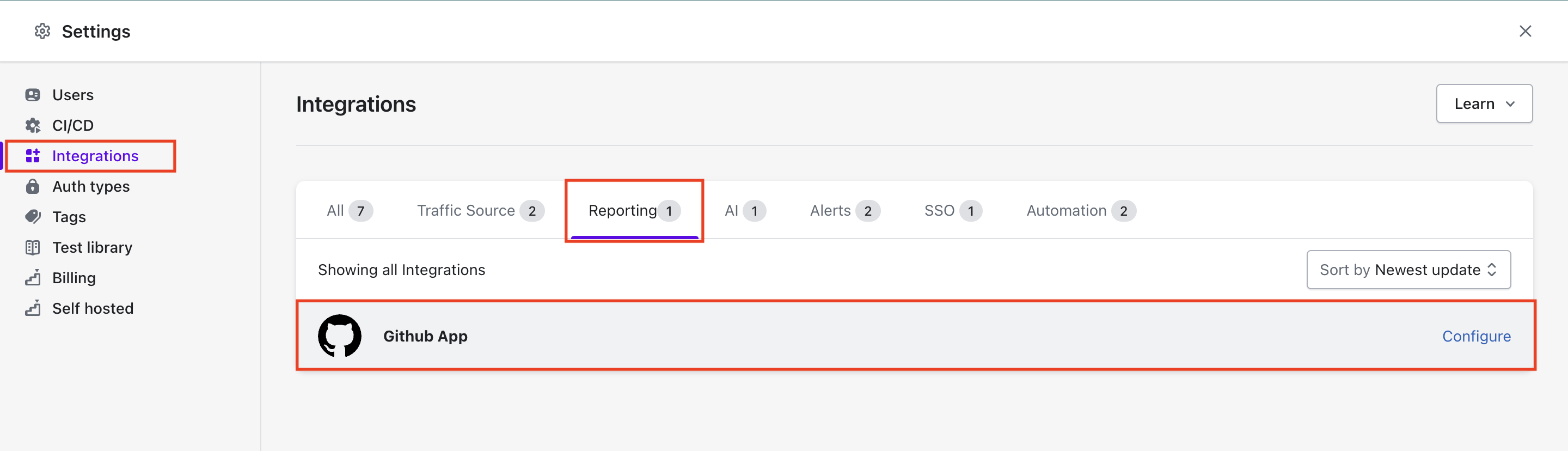
* In Akto dashboard go to `Settings > Integrations > Reporting > Github App` and click `Configure`
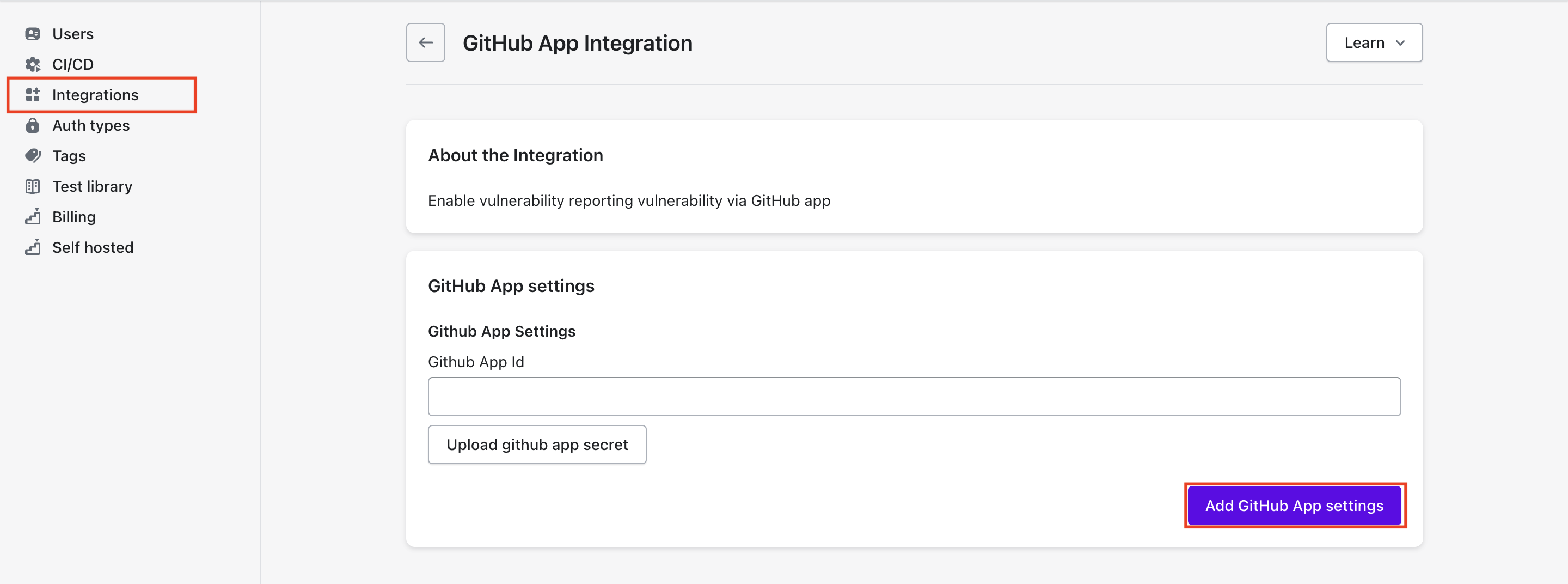
* Add Github App Id and upload secret key `.pem` file.
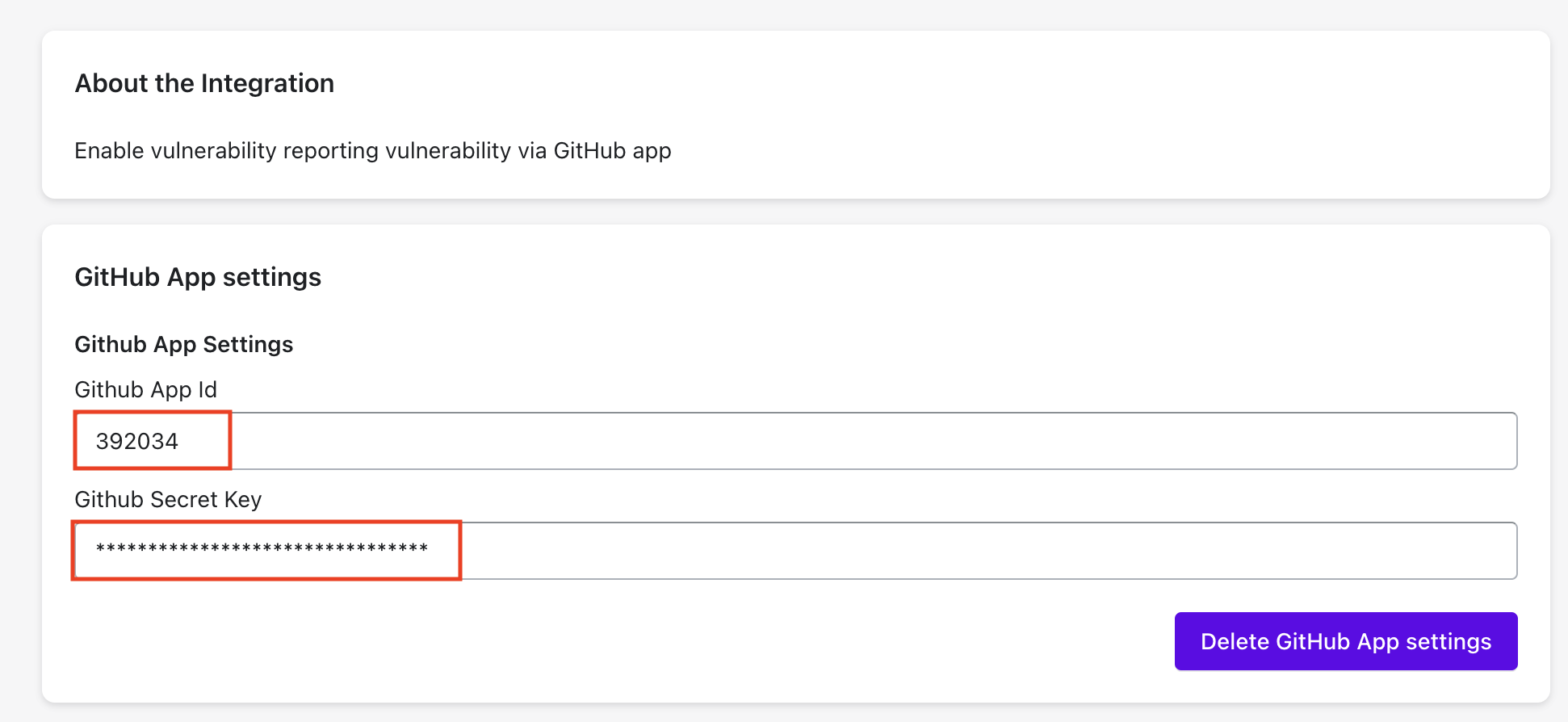
* Final screen after integrating Github App.