> For the complete documentation index, see [llms.txt](https://docs.akto.io/llms.txt). Markdown versions of documentation pages are available by appending `.md` to page URLs; this page is available as [Markdown](https://docs.akto.io/integrations/ci-cd-integrations/github-actions.md).
# GitHub Actions
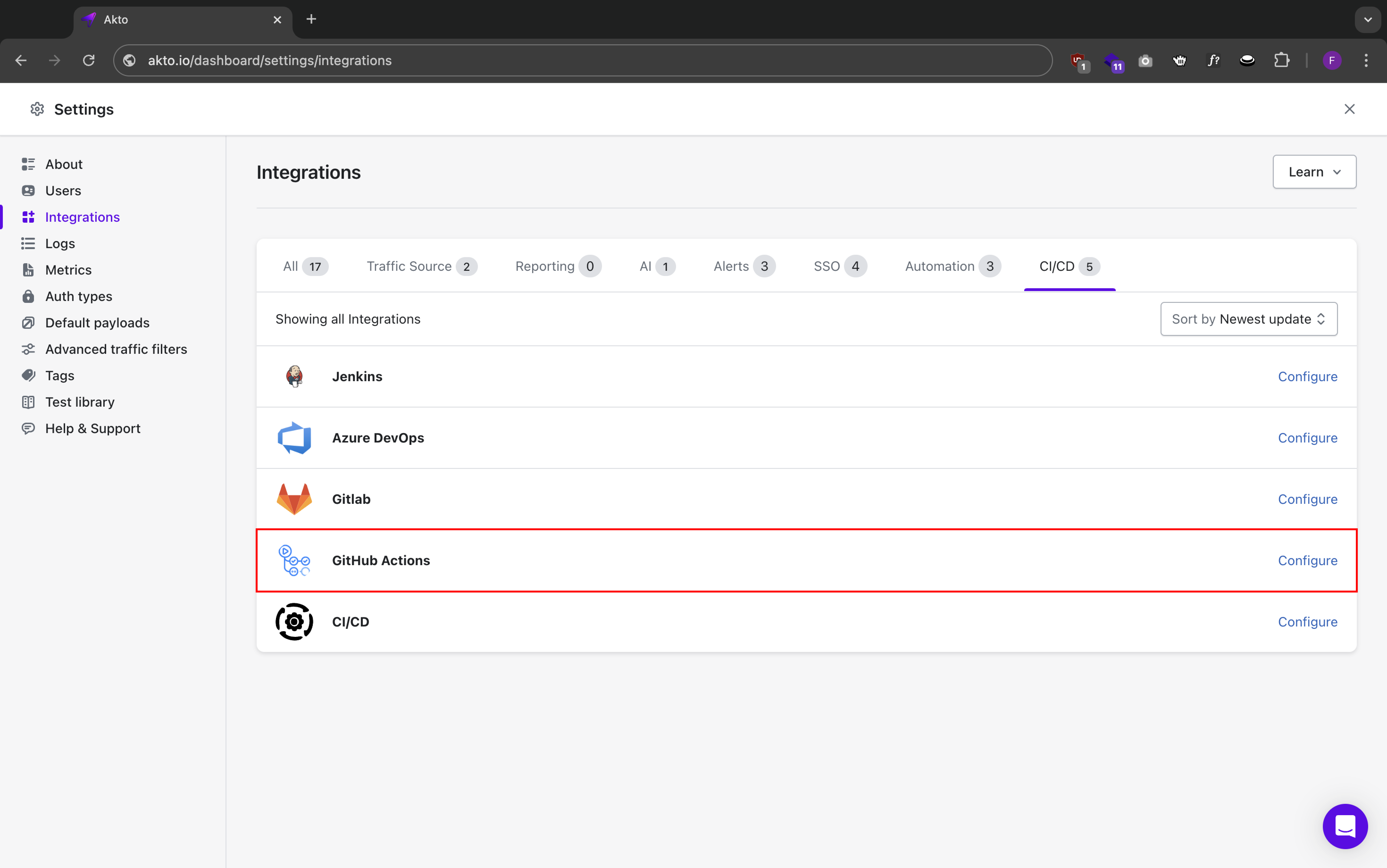
Akto integrates with GitHub Actions to add automated API security testing to your workflows. This integration enables you to:
* Run API security tests as part of your GitHub workflow
* Automate security testing on pull requests
* Block merges based on security test results
### Prerequisites
* GitHub repository with Actions enabled
* Akto dashboard access
* [Akto API credentials](/integrations/ci-cd-integrations/how-to/get-api-credentials.md)
* [Valid test ID from Akto test](/integrations/ci-cd-integrations/how-to/test-id-from-akto-test.md)
* [GitHub App](/integrations/ci-cd-integrations/github-actions/create-github-app.md) installed and configured (required for PR comments)
### Steps to Configure GitHub Actions
#### 1. Create GitHub Actions Workflow
Create `.github/workflows/akto-security.yml` in your repository with the following content:
```yaml
yamlCopyname: Akto Security Testing
on:
pull_request:
branches: [ main, develop ]
workflow_dispatch:
jobs:
security-test:
runs-on: ubuntu-latest
steps:
- uses: actions/checkout@v3
- name: Run CI/CD tests
uses: akto-api-security/run-scan@v1.0.3
with:
AKTO_DASHBOARD_URL: ${{vars.AKTO_DASHBOARD_URL}}
GITHUB_COMMIT_ID: ${{github.event.pull_request.head.sha}}
AKTO_API_KEY: ${{vars.AKTO_API_KEY}}
AKTO_TEST_ID: ${{vars.AKTO_TEST_ID}}
START_TIME_DELAY: 180 # Delay in seconds after which testing run is started, optional, default is 0
```
#### 2. Configure GitHub Variables
1. Go to Repository Settings > Secrets and Variables > Actions
2. Add the following repository variables:
* `AKTO_DASHBOARD_URL`: Your Akto dashboard URL
* `AKTO_API_KEY`: Your Akto API key
* `AKTO_TEST_ID`: Your Akto test ID
* `GITHUB_COMMIT_ID`: For a particular PR (if needed)
#### 3. Enable Required Status Checks
1. Navigate to Repository Settings > Branches
2. Add branch protection rule
3. Enable "Require status checks to pass before merging"
4. Add "Akto Security Testing" as a required check
#### 4. Verify Integration
1. Create a new pull request
2. Check that Akto security tests run automatically
3. View test results in the GitHub Actions tab
### Viewing Results
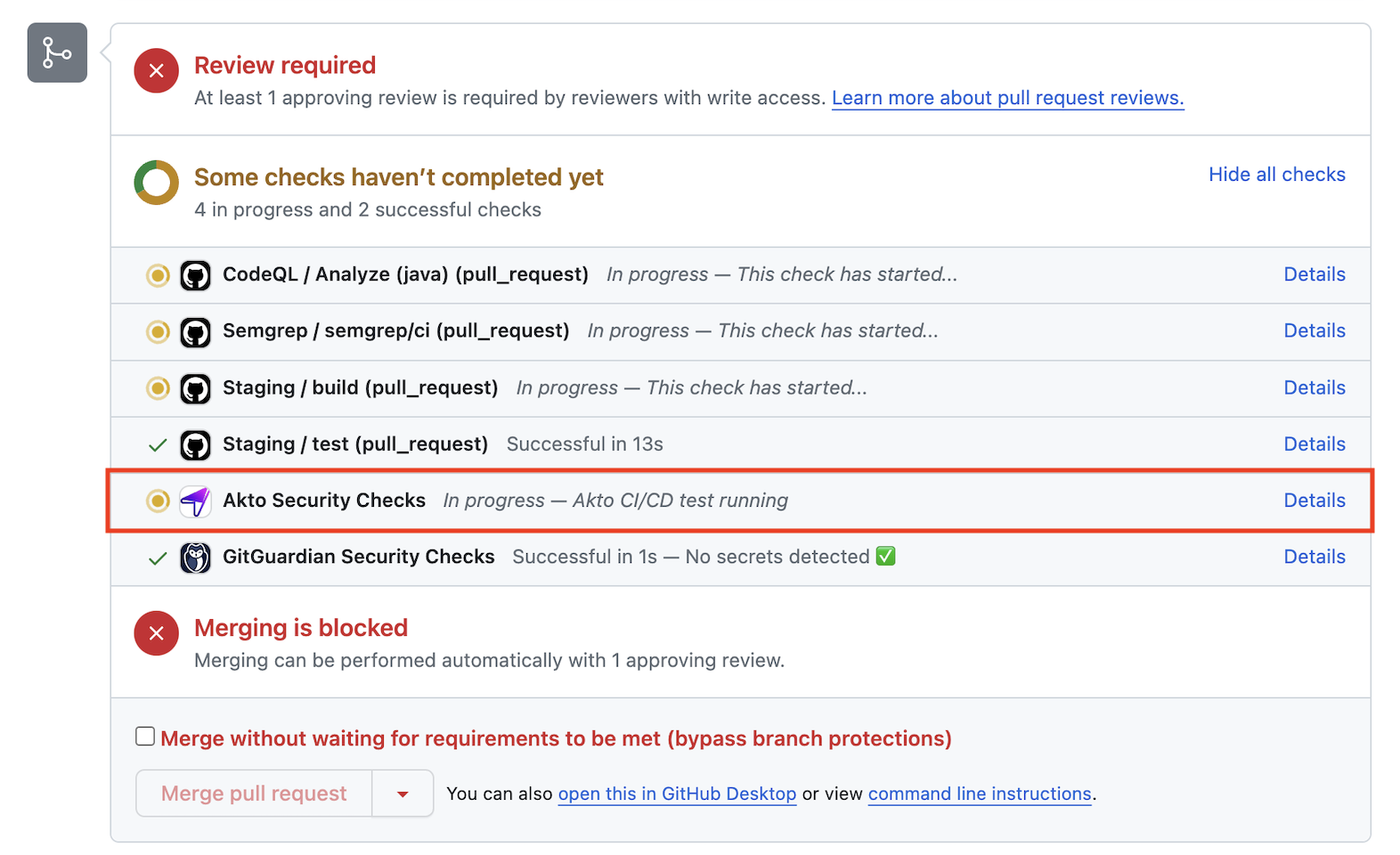
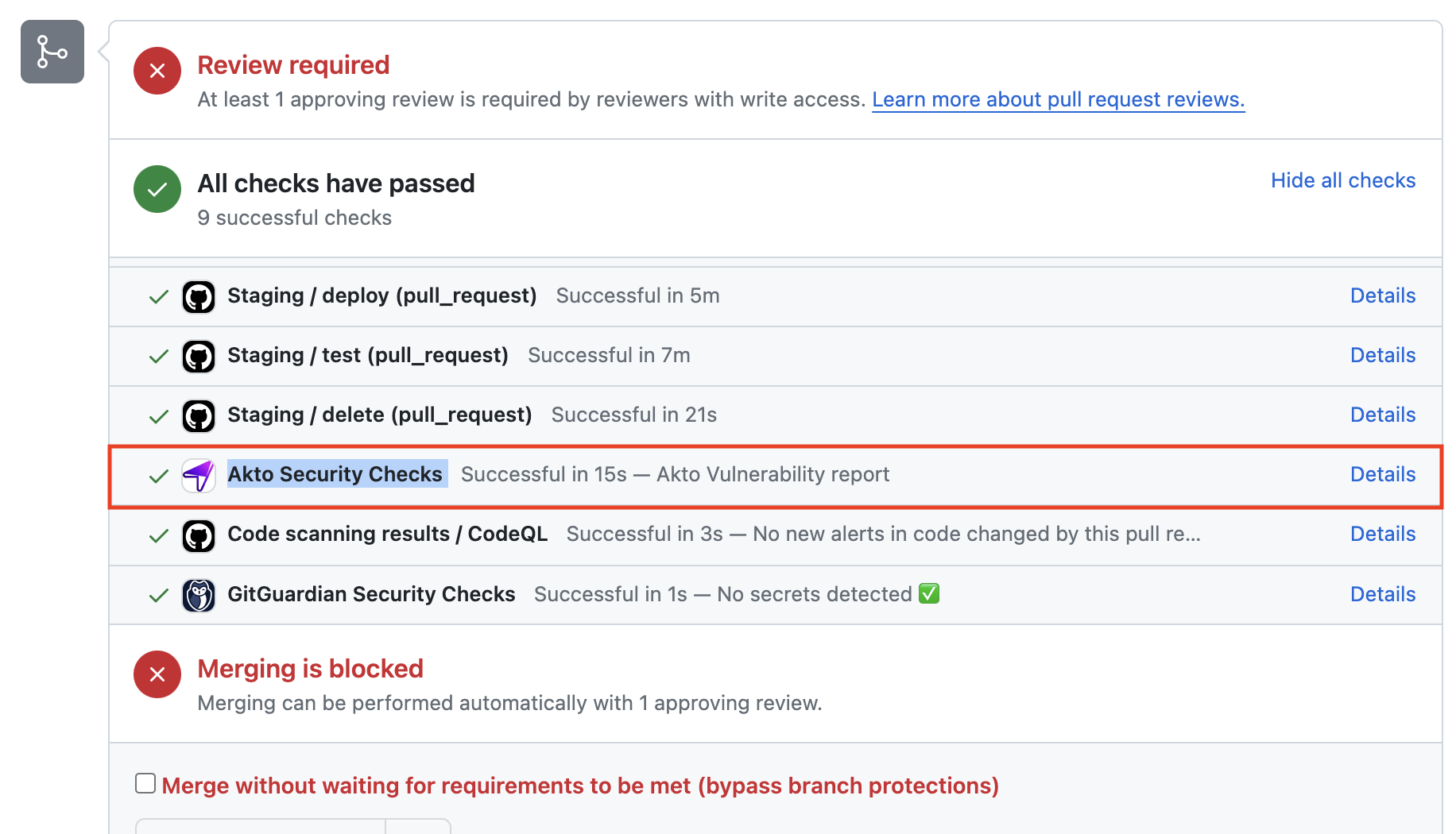
1. **Check status of Akto CICD tests** directly from GitHub pull requests through quality gates
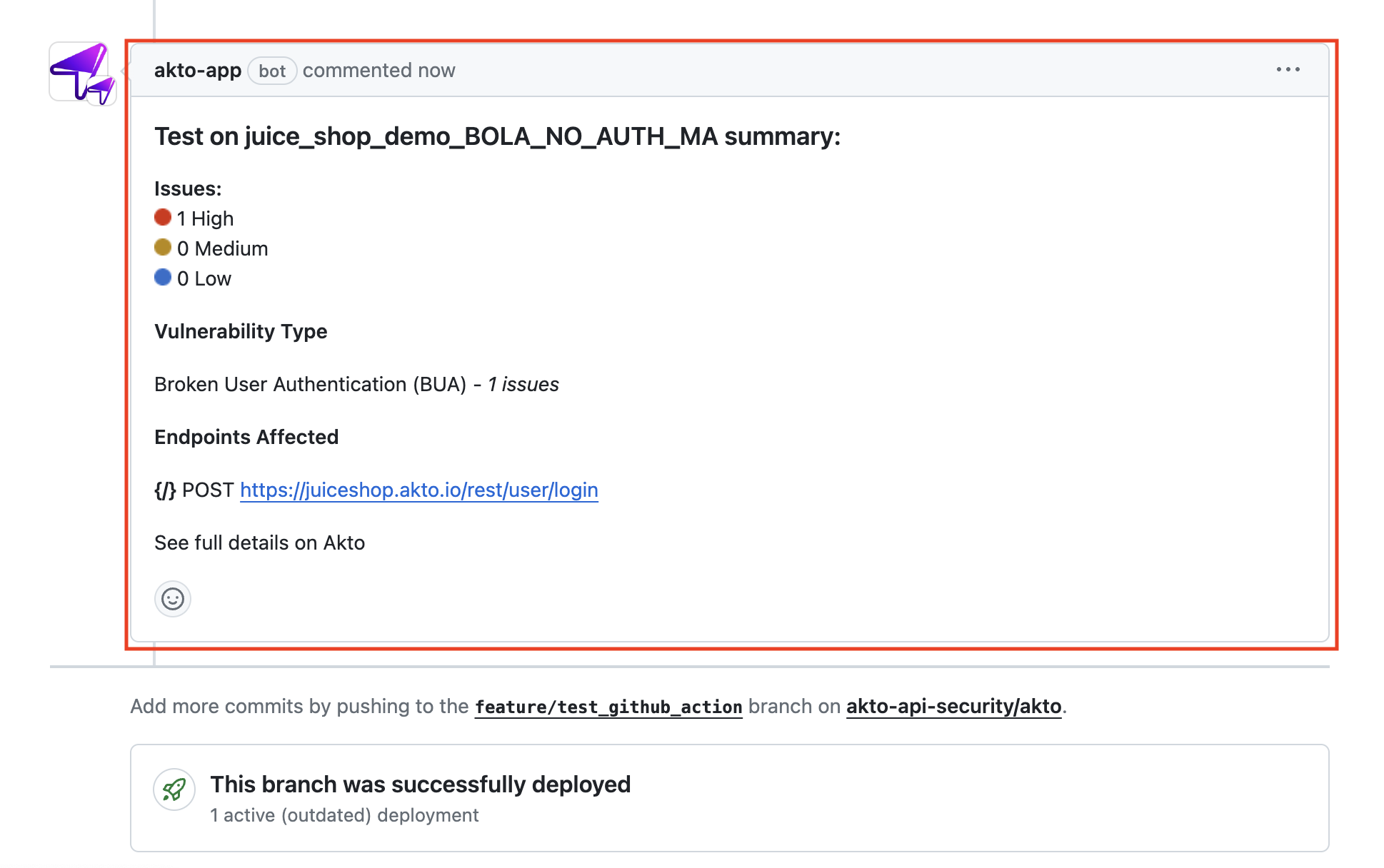
2. **Check result of Akto CICD tests** directly from comment posted on Github pull request