> For the complete documentation index, see [llms.txt](https://docs.akto.io/llms.txt). Markdown versions of documentation pages are available by appending `.md` to page URLs; this page is available as [Markdown](https://docs.akto.io/integrations/ci-cd-integrations/azure-devops.md).
# Azure DevOps
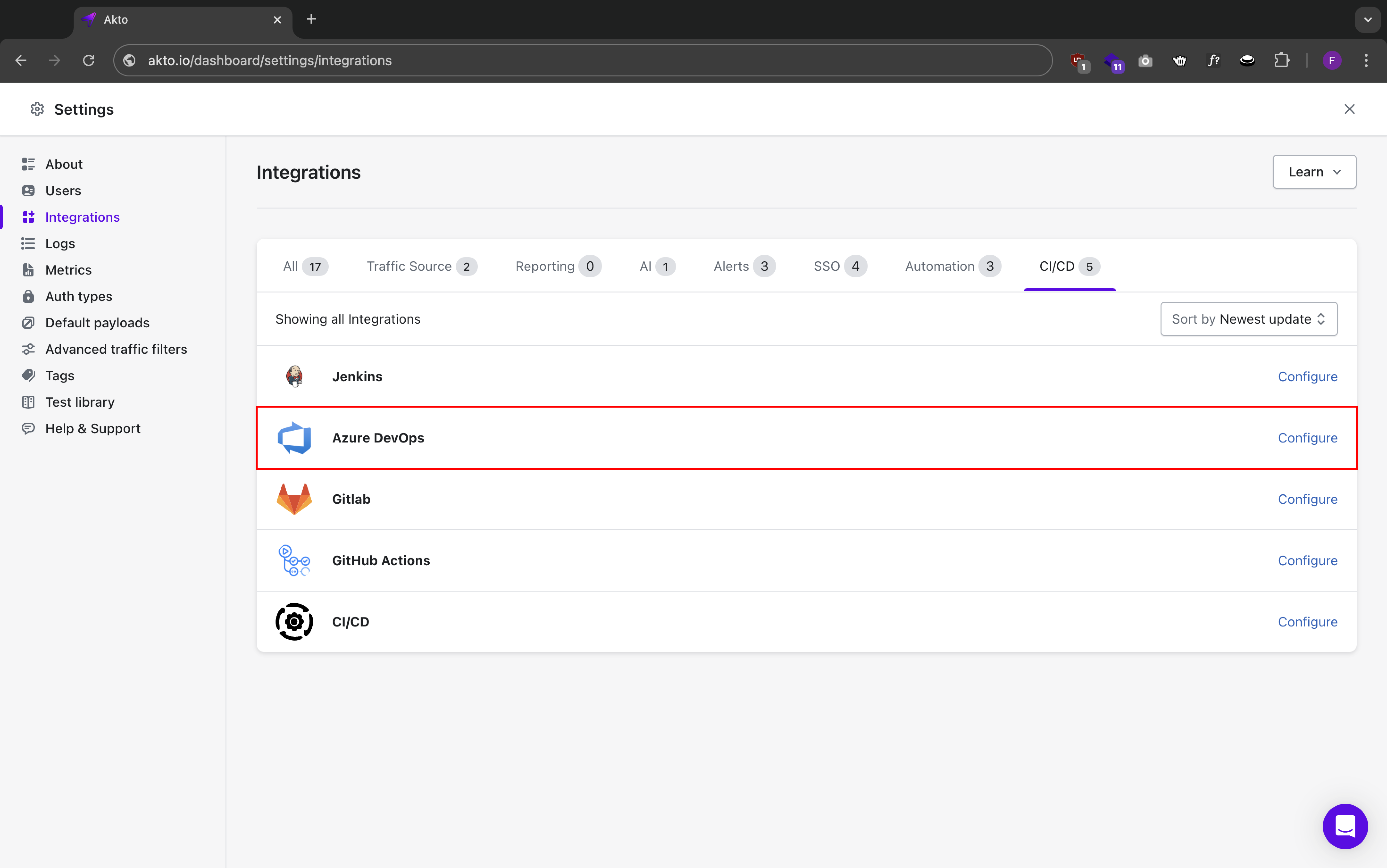
Akto's integration with Azure DevOps allows you to maintain API security through Azure Pipelines. With this integration, you'll be able to:
* Check status of Akto CICD tests directly from Azure DevOps through quality gates
* Generate tests from live functional traffic for targeted security testing
* Insert security seamlessly into existing functional tests with complete automation
### Prerequisites
* Azure DevOps project with administrator access
* Akto dashboard access
* [Akto API credentials](/integrations/ci-cd-integrations/how-to/get-api-credentials.md) (API key and dashboard URL)
* [Valid test ID from Akto test](/integrations/ci-cd-integrations/how-to/test-id-from-akto-test.md)
### Steps to Configure Azure DevOps Pipeline
#### 1. Create Pipeline Configuration
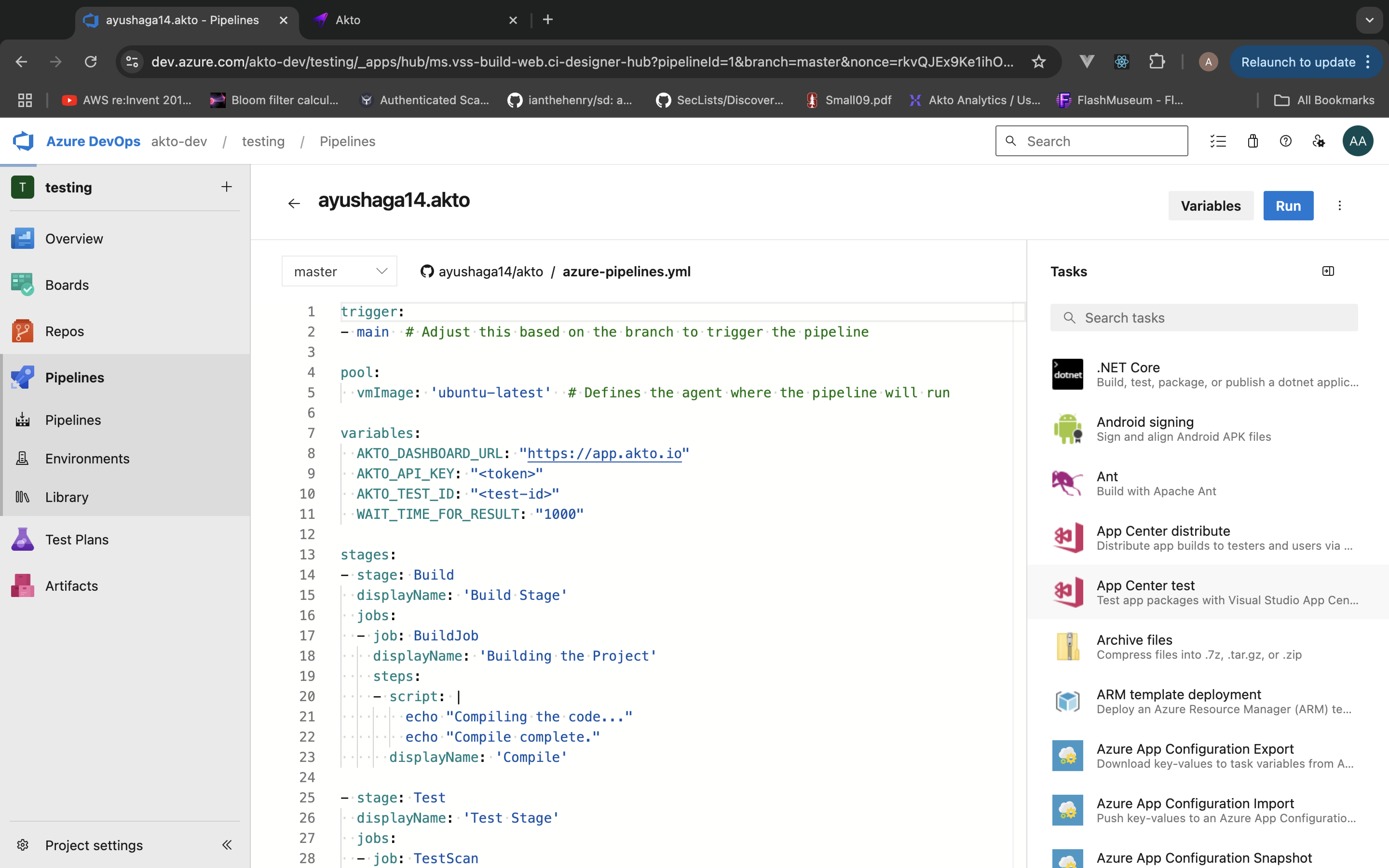
Create a new file named `azure-pipelines.yml` in your repository root:
```yaml
trigger:
- main # Adjust this based on the branch to trigger the pipeline
pool:
vmImage: 'ubuntu-latest' # Defines the agent where the pipeline will run
variables:
AKTO_DASHBOARD_URL: "https://app.akto.io"
AKTO_API_KEY: ""
AKTO_TEST_ID: ""
WAIT_TIME_FOR_RESULT: "1000"
stages:
- stage: Build
displayName: 'Build Stage'
jobs:
- job: BuildJob
displayName: 'Building the Project'
steps:
- script: |
echo "Compiling the code..."
echo "Compile complete."
displayName: 'Compile'
- stage: Test
displayName: 'Test Stage'
jobs:
- job: TestScan
displayName: 'Run Akto Security Test'
container: # Use container for this job
image: aktosecurity/akto-testing-scan:latest
steps:
- script: |
cd /usr/src/app
echo $(AKTO_DASHBOARD_URL)
echo $(AKTO_API_KEY)
echo $(AKTO_TEST_ID)
node index.js
displayName: 'Running Akto Test Scan'
```
#### 2. Configure Pipeline Variables
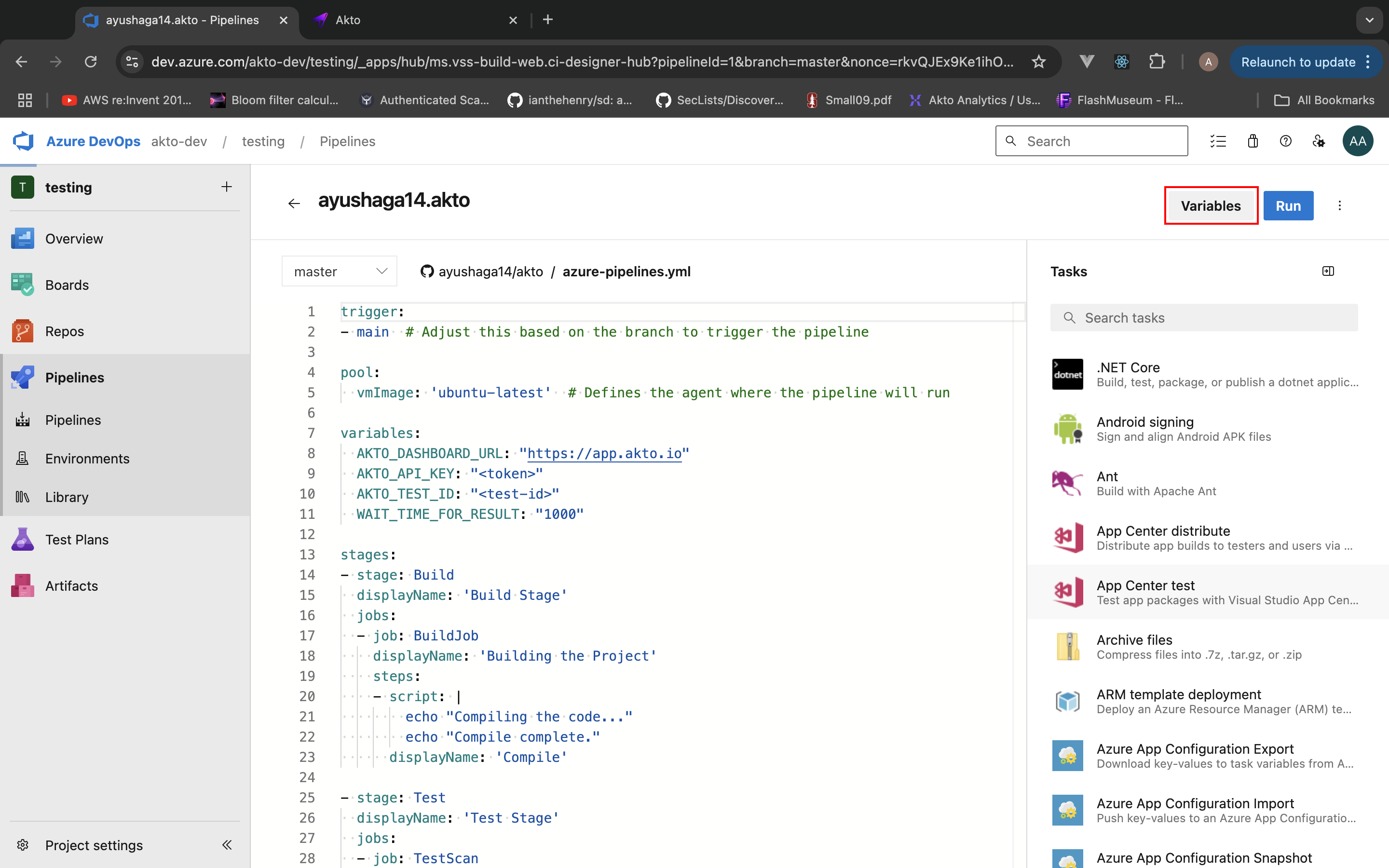
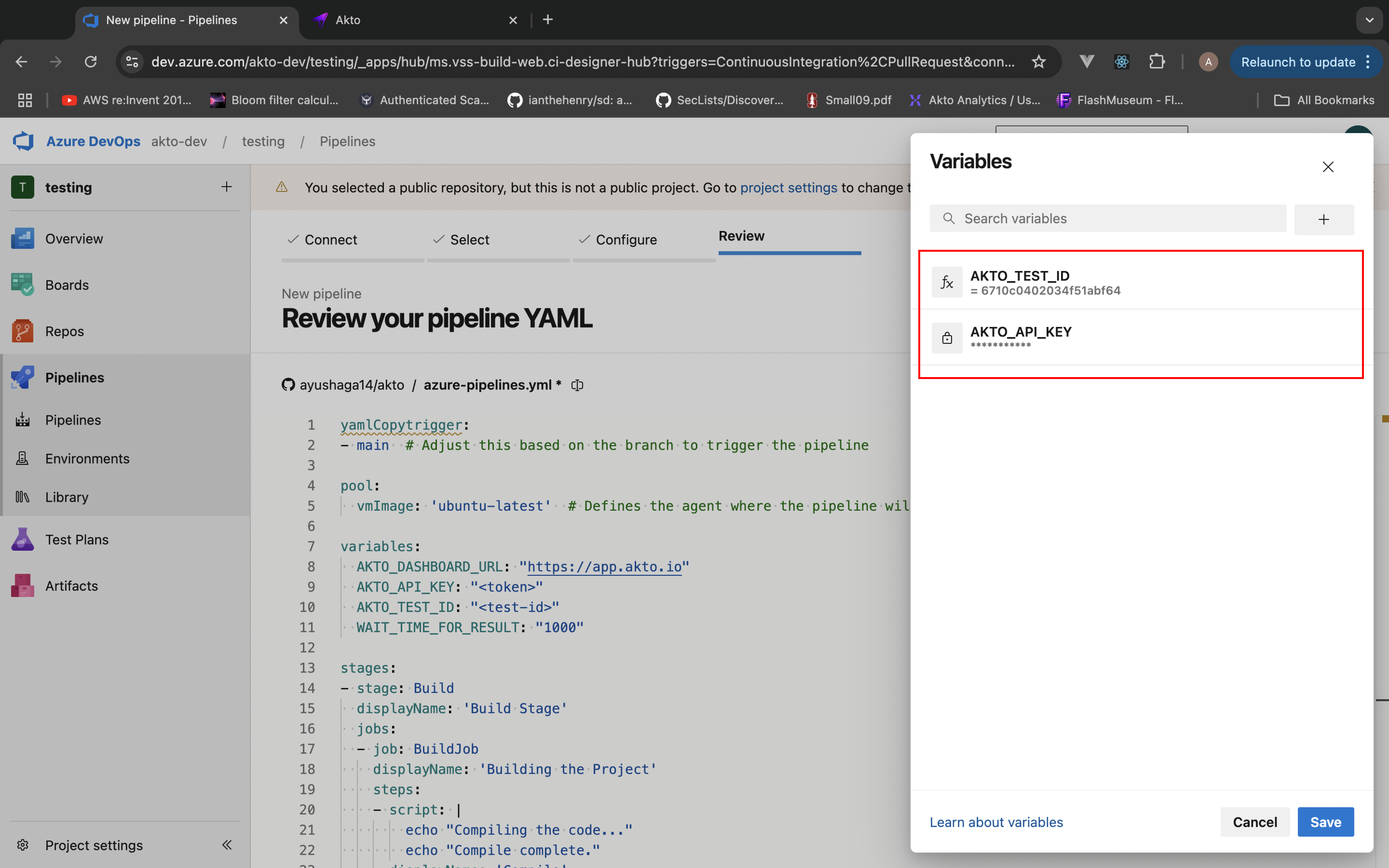
1. Go to Pipelines > Edit > Variables
2. Add the following required variables:
* `AKTO_DASHBOARD_URL`: Your Akto dashboard URL
* `AKTO_API_KEY`: [Your Akto API key](/integrations/ci-cd-integrations/how-to/get-api-credentials.md) (mark as secret)
* `AKTO_TEST_ID`: [Your Akto test ID](/integrations/ci-cd-integrations/how-to/test-id-from-akto-test.md)
* `WAIT_TIME_FOR_RESULT`: Time to wait for test results
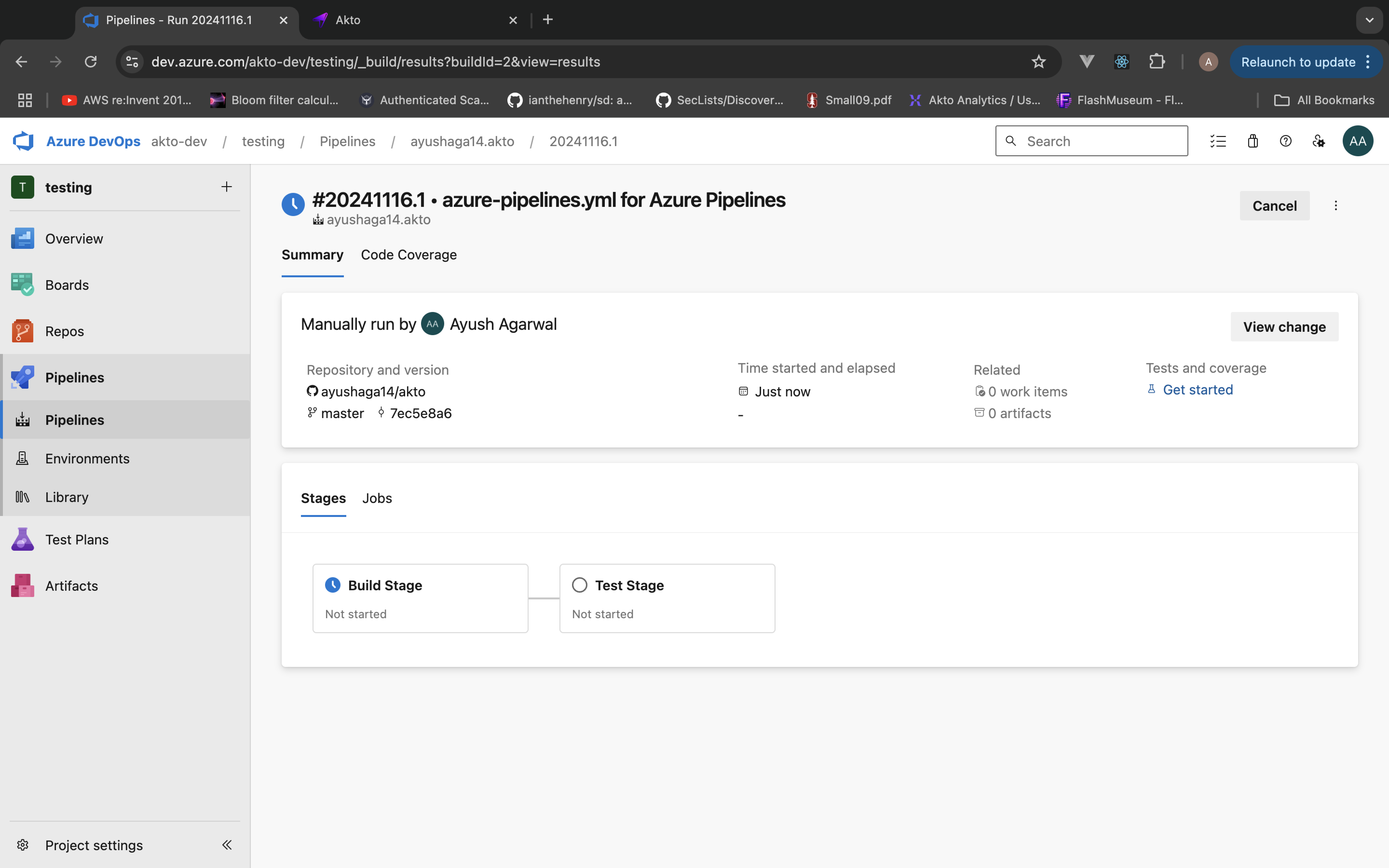
Save it and then hit the run button
#### 3. Set Up Branch Policies \[OPTIONAL - to configure pipeline for all builds]
1. Navigate to Project Settings > Repositories
2. Select your repository branch
3. Add build policy:
* Add build pipeline
* Make it required
#### 4. Verify Integration \[OPTIONAL]
1. Create a new pull request
2. Verify that Akto security checks appear in the pipeline
3. Check test results in the Azure DevOps pipeline interface
### Viewing Results
1. Navigate to your pipeline run
2. Check the 'Test Stage' logs
3. Review security test results
4. Access detailed reports in Akto dashboard