> For the complete documentation index, see [llms.txt](https://docs.akto.io/llms.txt). Markdown versions of documentation pages are available by appending `.md` to page URLs; this page is available as [Markdown](https://docs.akto.io/account-management/sso/add-members-from-sso.md).
# Add Members From SSO
## Pre-requisites to add team members
1. Ensure the team member is added into the team of your Identity Provider.
## Steps for users to login into Akto dashboard via SSO
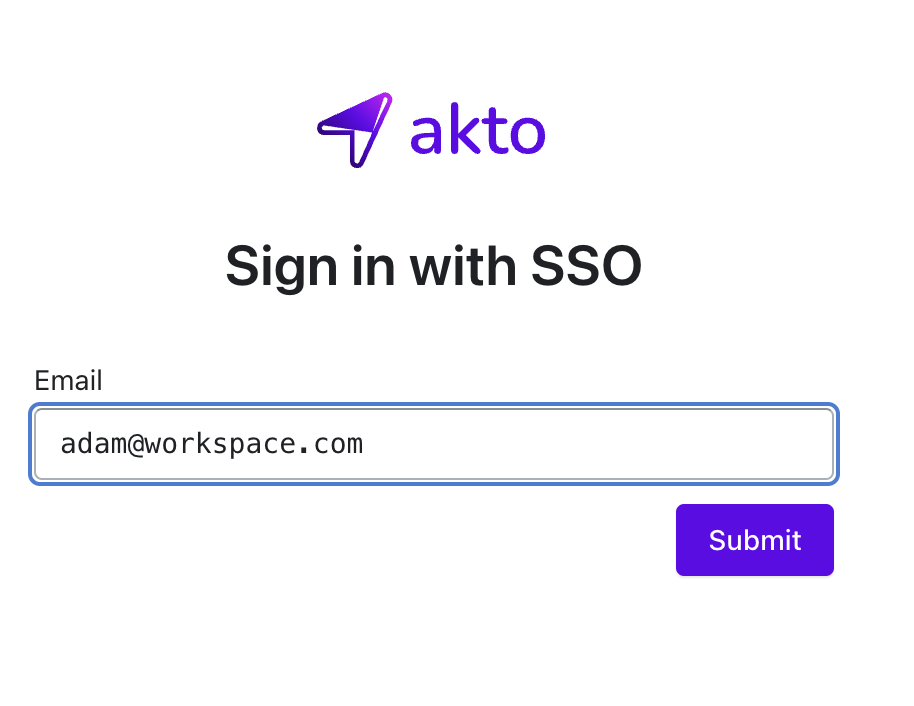
1. Navigate to `https://app.akto.io/sso-login` and enter your email id.
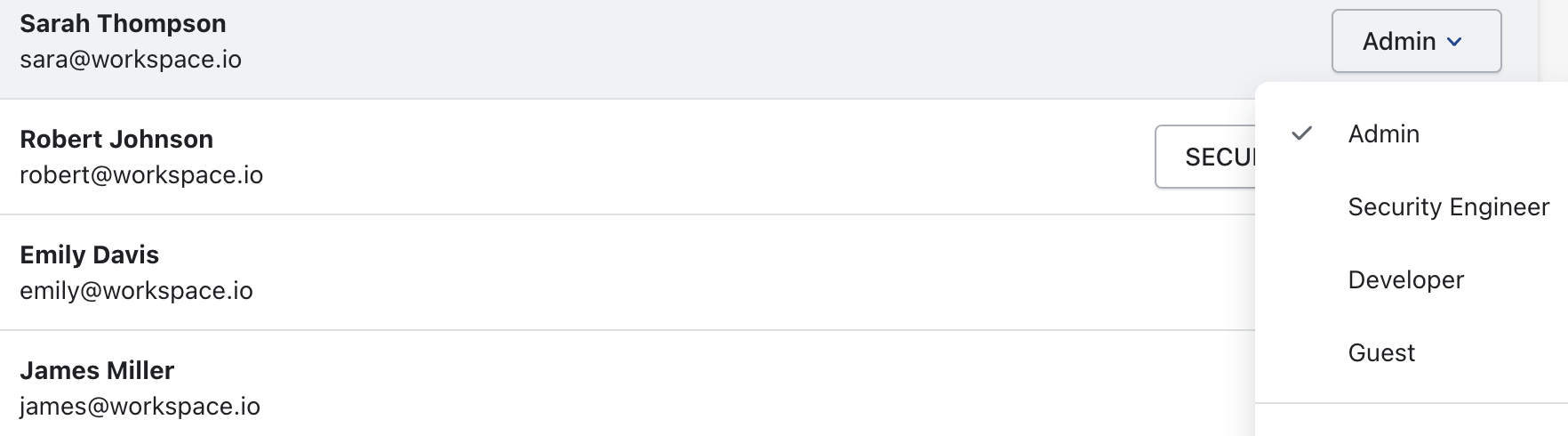
2. The user you will be signed in the Akto Dashboard with the role `SECURITY ENGINEER` by default.
3. The Admin of the Akto Dashboard account can change the role of the team member with the following steps:
1. Click the `Settings` button on the bottom of the left nav.
2. Click the `Users` tab from the left nav of the page.
3. Click on the dropdown of the role and update the role of the team member.
### Note:
For more information about Roles in Akto dashboard, refer [this](/account-management/understanding-role-permissions.md)