> For the complete documentation index, see [llms.txt](https://docs.akto.io/llms.txt). Markdown versions of documentation pages are available by appending `.md` to page URLs; this page is available as [Markdown](https://docs.akto.io/account-management/sign-up.md).
# Sign Up
## Overview
Getting started with Akto takes only a few minutes. This guide walks you through creating your account and accessing your organisation's dashboard.
## How to Sign Up
{% stepper %}
{% step %}
#### Go to the Akto Login Page
Navigate to [app.akto.io](https://app.akto.io) in your browser.
{% endstep %}
{% step %}
#### Click "Sign Up"
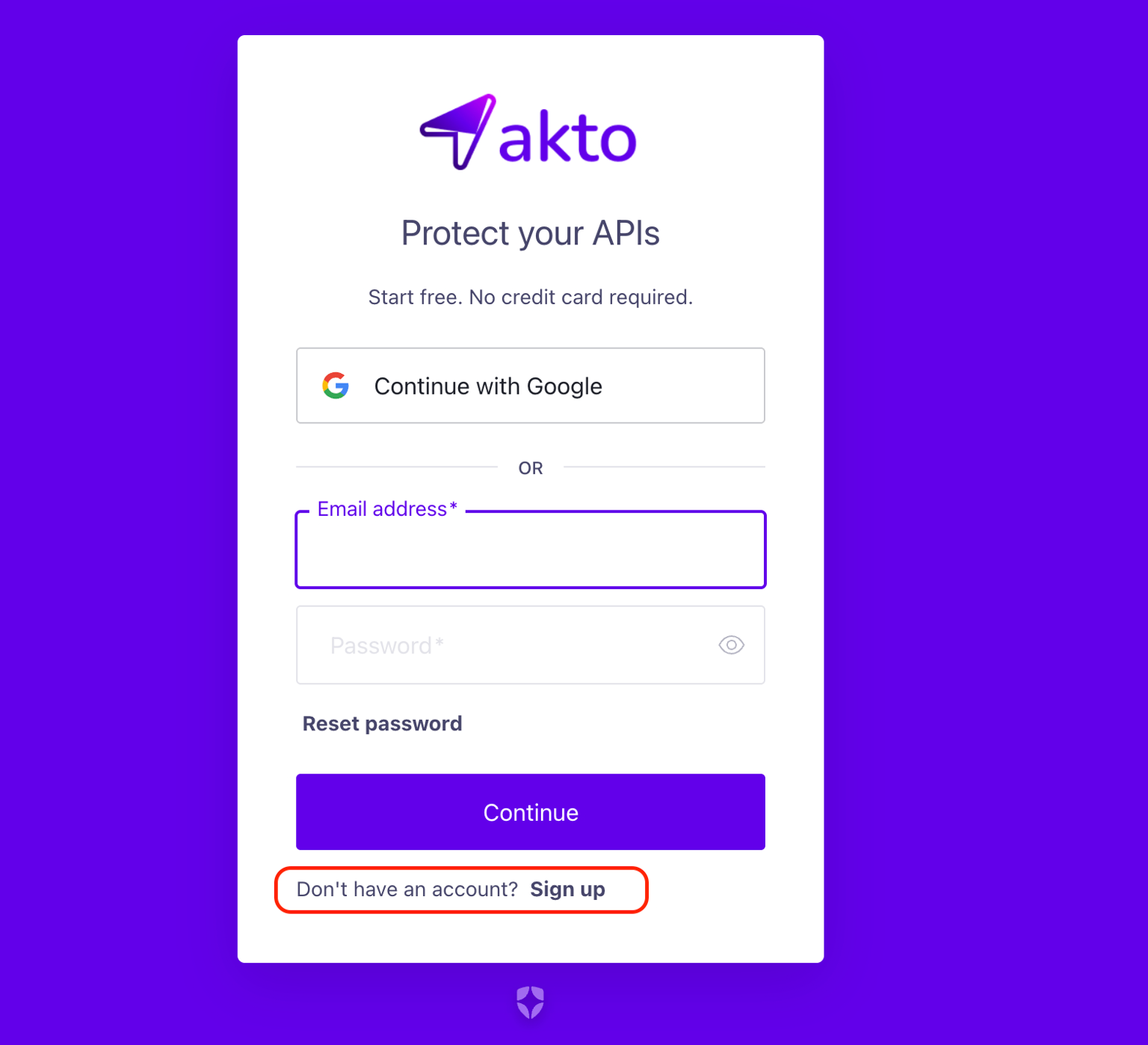
On the login page, click the **Sign up** link at the bottom of the form.
{% endstep %}
{% step %}
#### Enter Your Credentials
You have two options:
**Option A: Continue with Google**\
Click **Continue with Google** to sign up using your Google account. You will be redirected through Google's OAuth flow and returned to Akto once complete.
**Option B: Email and Password**\
Enter your **Email address** and **Password**, then click **Continue**.
{% endstep %}
{% step %}
#### Verify Your Email
Akto will send a verification email to the address you provided. Open the email and click the verification link to activate your account.
{% hint style="info" %}
If you don't see the email in your inbox, check your spam or junk folder.
{% endhint %}
{% endstep %}
{% step %}
#### Log In to Akto
Once your email is verified, go back to [app.akto.io](https://app.akto.io) and log in with your credentials.
{% endstep %}
{% endstepper %}
## Access Your Dashboard
After logging in, one of two things will happen:
* **Your organisation is already registered with Akto:** You are automatically taken to your organisation's dashboard. If your organisation has an active Akto plan, signing up with your org domain automatically grants you **Member** role access to the Akto API Security product.
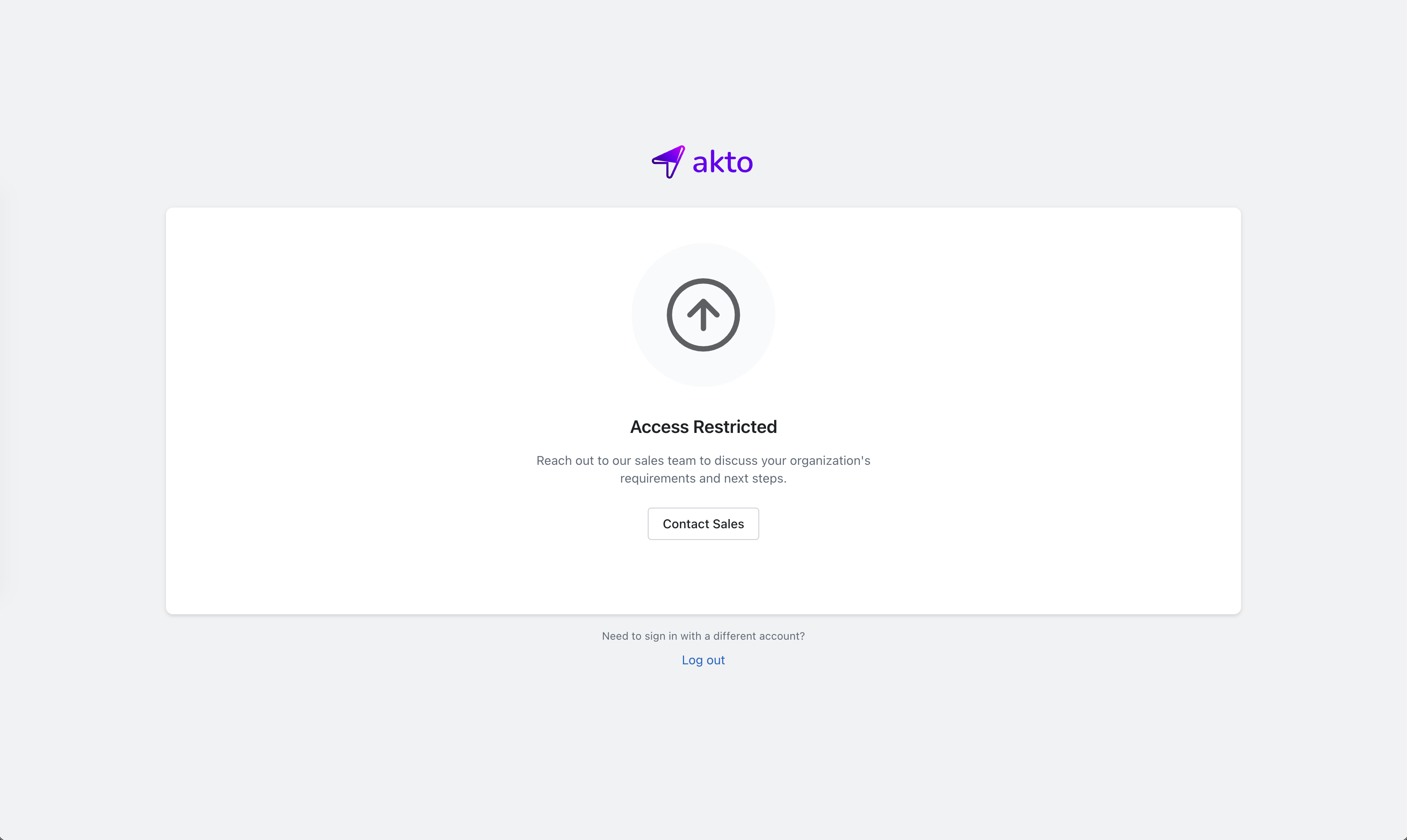
* **Any other case:** You will land on the **Access Restricted** page. This includes scenarios where your organisation is not yet onboarded, does not have an active plan, or your domain is not linked to an existing Akto account. Click **Contact Sales** to reach out to the Akto team and they will provision your organisation and grant you access.